Tally Dascom 1140
8
2.5 Installing the Windows Driver
(Windows 2000 / XP / Vista / 7 / 8 / 8.1 and 2003 / 2008 / 2012 / 2012R2 Server)
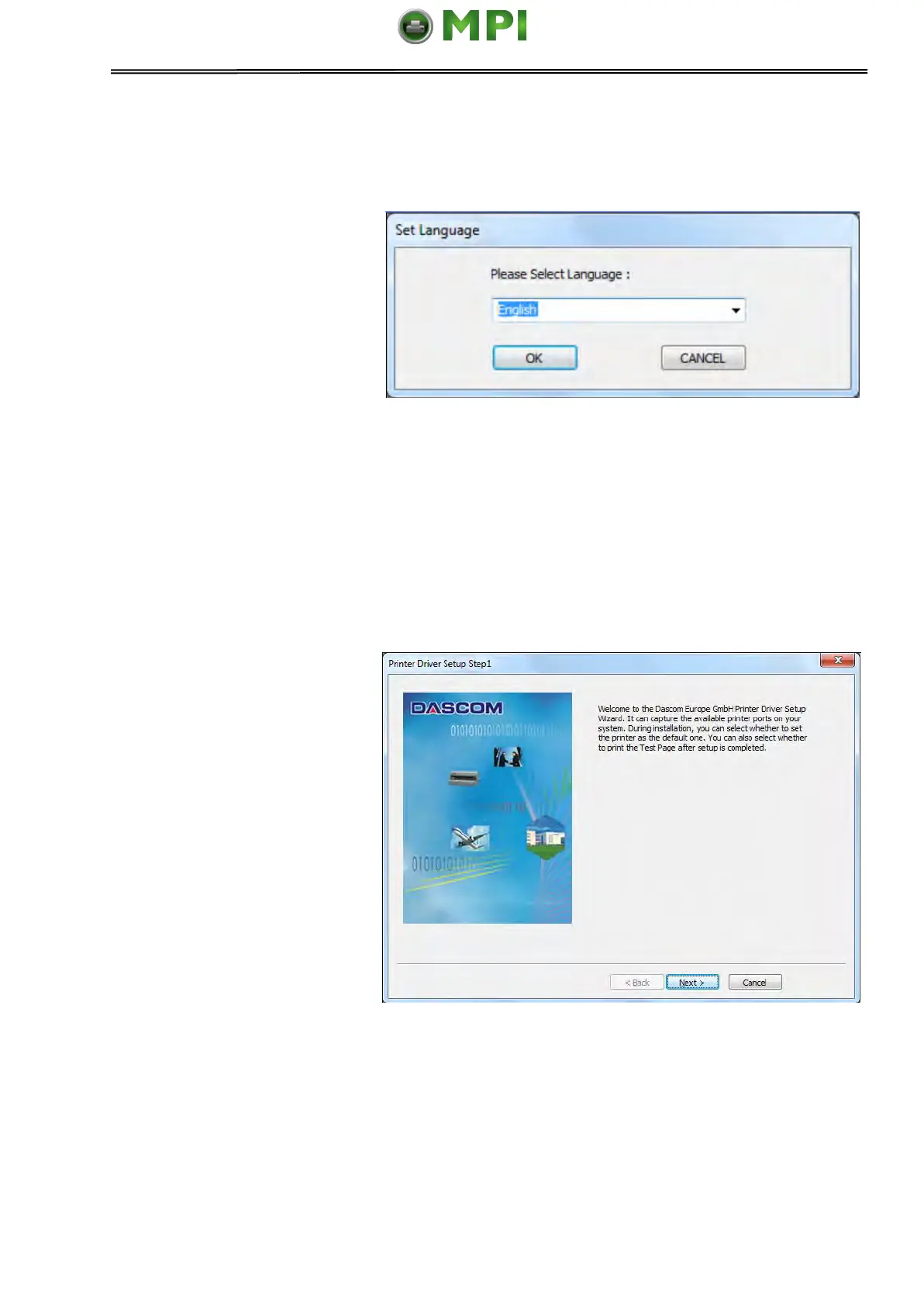
1. Your printer CDROM comes
with Windows drivers. Go to
the Drivers folder and run the
Installer “DriverSetup.exe”.
You will see the screen on the
right. Select language, and
click “Next” to continue.
2. A picture shown on the right
side appears. Click “Next” to
continue.
Mantenimiento Periféricos Informáticos SL C/Canteras, 15 28860 Paracuellos de Jarama Tel: 00 34 917481604 WEB: https://mpi.com.es



 To Next Page