EasyManua.ls Logo

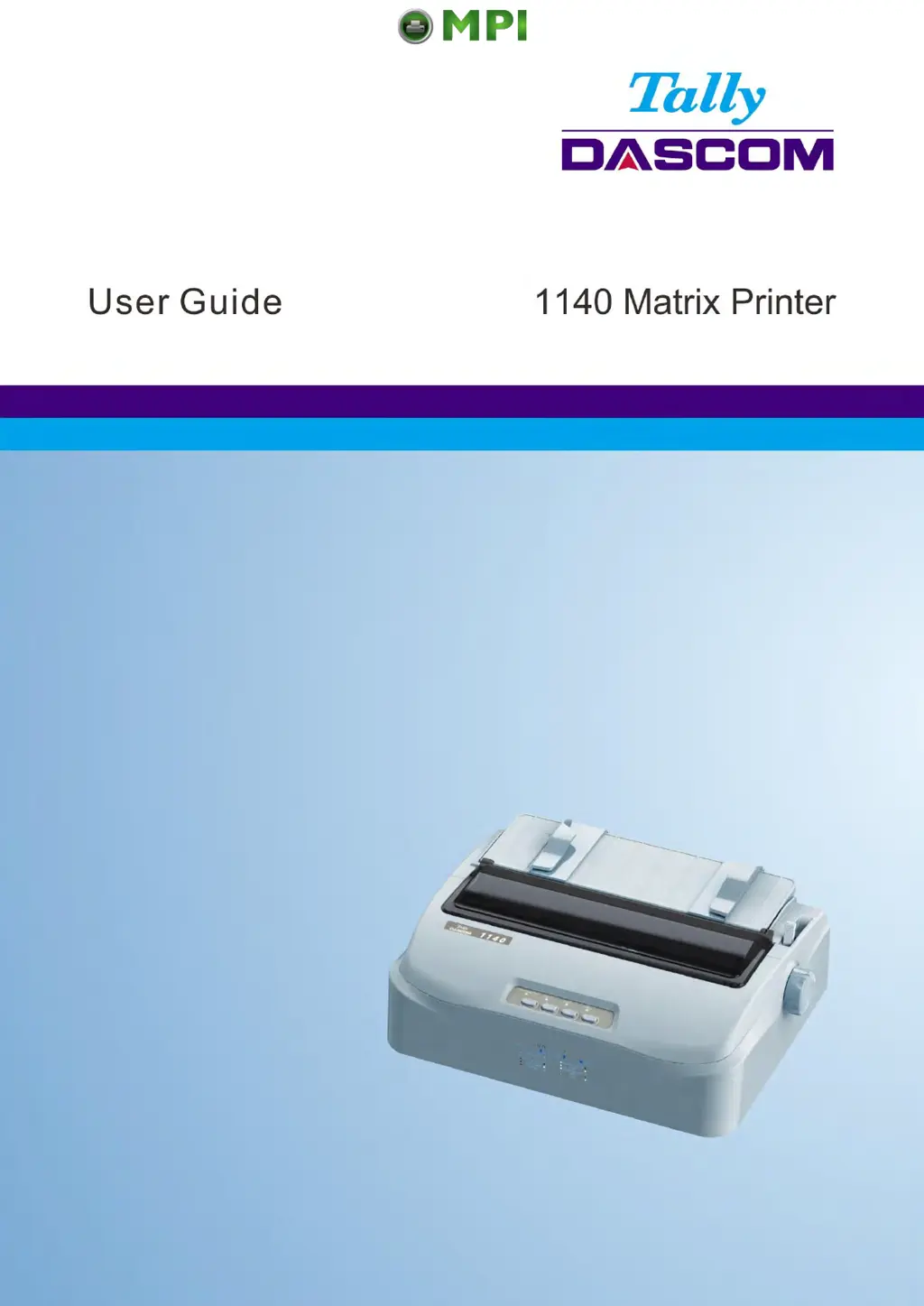
Tally Dascom 1140 - User Manual

Tally Dascom 1140
107 pages
Print Icon
To Next Page IconTo Next Page
Loading...
Tally Dascom 1140
I
Mantenimiento Periféricos Informáticos SL C/Canteras, 15 28860 Paracuellos de Jarama Tel: 00 34 917481604 WEB: https://mpi.com.es

Table of Contents

Other manuals for Tally Dascom 1140

Questions and Answers

  • R
    Regina HortonSep 8, 2025
    Why is my Tally Dascom 1140 Printer printing vertically misaligned?
    • M
      Margaret SotoSep 8, 2025
      If your Tally Dascom printer's output is vertically misaligned (jagged), use the printer's vertical alignment function to check the vertical print alignment. If necessary, adjust the print alignment.
  • J
    Juan RamirezSep 10, 2025
    Why Tally Dascom Printer next print line starts where the previous line ended?
    • M
      Michelle BrownSep 10, 2025
      If the next print line starts where the previous line ended instead of at the left margin on your Tally Dascom printer, change the Auto CR setting in the System Setup menu to Yes.
  • S
    Stephen HarrisSep 12, 2025
    How to fix the top margin on Tally Dascom Printer?
    • C
      craigmeltonSep 12, 2025
      To adjust the top margin on your Tally Dascom printer, check the application's top margin setting. If needed, adjust the Top Margin setting in the Page Setup menu.
  • J
    Jacob EatonSep 13, 2025
    Why is my Tally Dascom 1140 Printer overprinting on the same line?
    • A
      Alex JordanSep 14, 2025
      If your Tally Dascom printer is overprinting on the same line, change the Auto CR setting in the System Setup menu to No.
  • P
    Patrick SuarezSep 15, 2025
    Paper select lever error Tally Dascom 1140, what to do?
    • L
      Laura ChristensenSep 15, 2025
      If paper is loaded and the paper select lever is moved to the incorrect position on your Tally Dascom printer, the printer turns offline, and the buzzer sounds continuously. Switch the paper select lever back to its correct position.
  • G
    gmillerSep 18, 2025
    Why Tally Dascom Printer lines are double spaced instead of single spaced?
    • E
      Erika FuentesSep 18, 2025
      If your Tally Dascom printer is double spacing lines instead of single spacing, change the Auto LF setting in the System Setup menu to No.

Summary

Important Safety Instructions

Setting Up Printer

Install Ribbon

Step-by-step instructions for installing the printer ribbon cartridge.

Connecting the Interface Cable

How to connect the printer to a computer using an interface cable.

Connecting the Power Supply

Steps for connecting the printer to a power source and checking voltage.

Installing the Windows Driver

Guide for installing the necessary printer driver software on a Windows system.

Printer Setting Changes

System Setup

Configuration options for system-level settings like language and emulation.

Paper Setup

Settings related to paper handling, length, margins, and loading.

Black Mark Parameters

Parameters for printing on forms with pre-printed black marks.

Restore Factory Default

Steps to reset printer settings to their original factory defaults.

Maintenance

Troubleshooting

Print Quality Problems and Solutions

Common print quality issues and their corresponding solutions.

Paper Handling Problems and Solutions

Troubleshooting steps for common paper loading and jamming issues.

Operating Problems and Solutions

Solutions for common issues related to printer operation and power.

Error Indications on LEDs

Interpreting error messages indicated by the printer's LED lights.

Tally Dascom 1140 Specifications

General IconGeneral
TypeDot Matrix Printer
ConnectivityParallel, Serial, USB
Print Resolution360 x 360 dpi
Paper HandlingContinuous forms, Cut sheets
Paper PathRear
Number of Pins24-pin

Related product manuals