Inserting paper
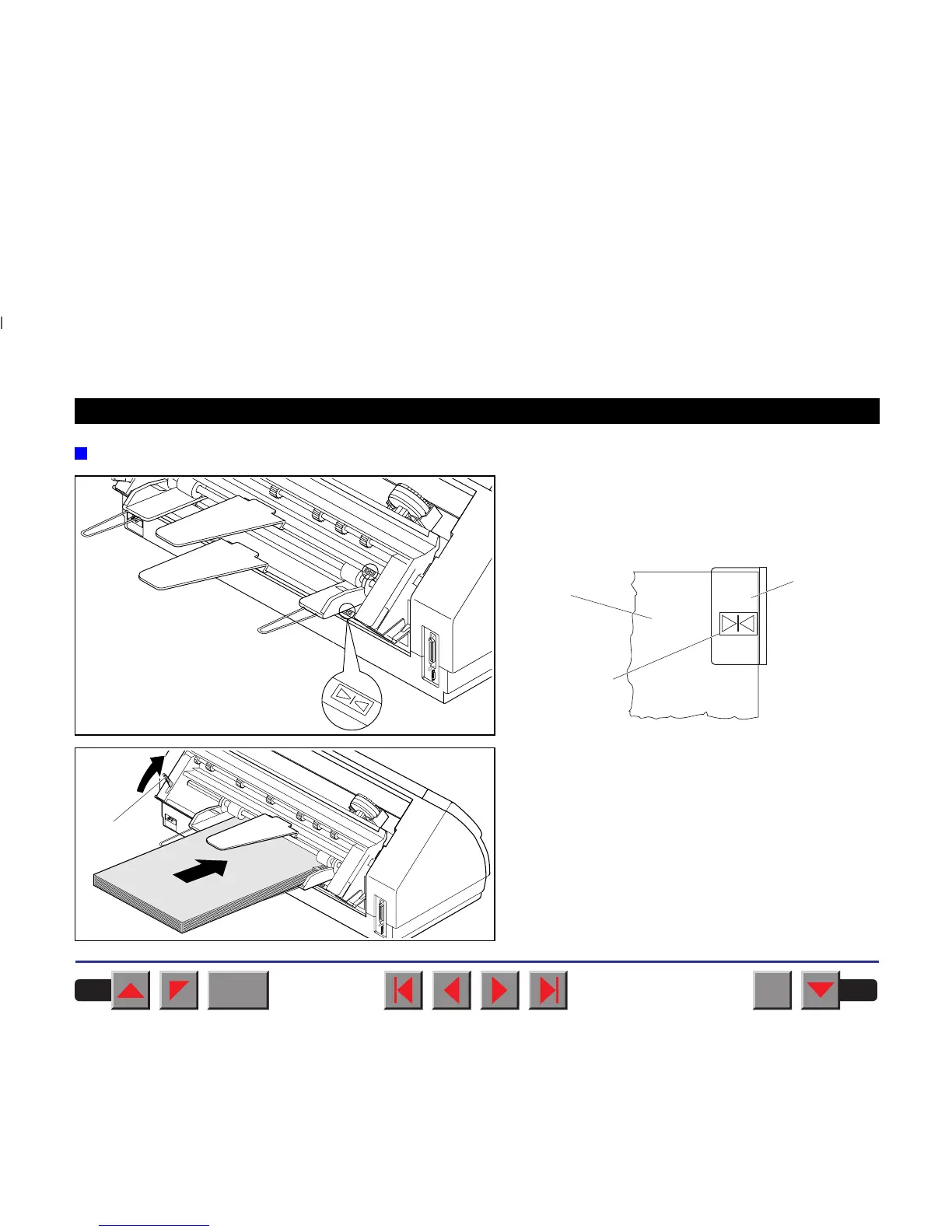
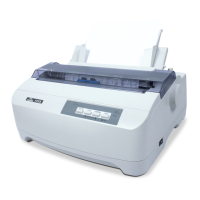
Align the left-hand paper guide (viewed from the
front side of the printer) with the mark for the left-
hand printing position to ensure that the first
character is printed on the paper.
Fan the paper and then align the edges before loa-
ding it into the paper tray.
Raise the fixing lever ➀ and insert the paper stack.
Paper
Paper guide
Mark
➀
BACK
QUIT
?
PRINT
Reference manual Options and Accessories
180



 To Next Page