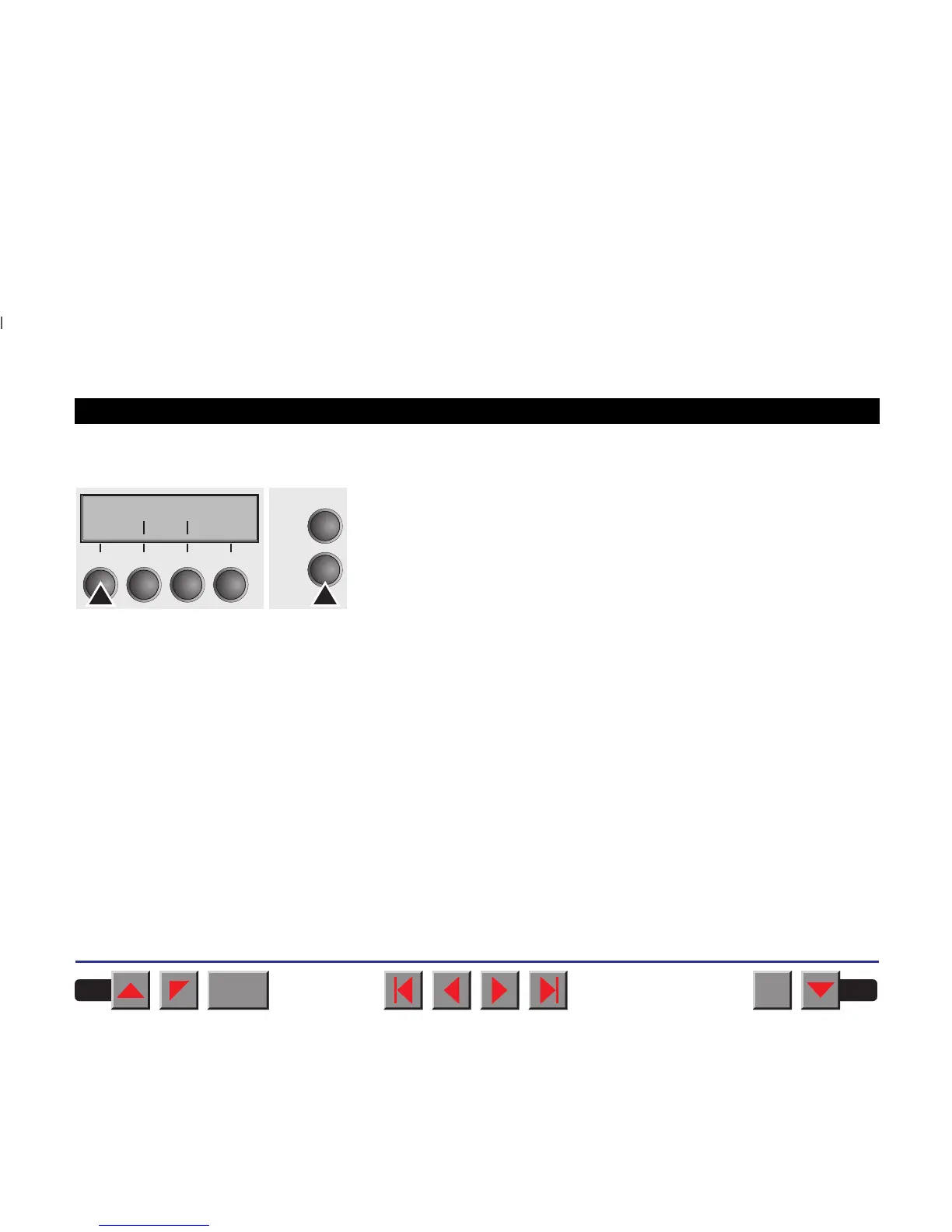
➤ Calling up the menu You can access the menu in the following way:
Press the Setup key. The printer switches to Setup mode. (The Setup
mode can be selected both in the Online and Offline mode.)
To access the printer menu, press the key directly underneath the word
Menu.
➤ Enabling access to menu
mode
Access to the menu has been disabled at the factory in order to prevent
unauthorized access. You can do this using the MenLock parameter
from within the menu itself. (The MenLock parameter is described in
detail in the
Menu description table
).
Switch off the printer for approx. 5 seconds; keep the Setup key pressed
when switching on again to unlock the menu.
Adjust Paperway
Menu Char
Online
Setup
21
3
4
BACK
QUIT
?
PRINT
Reference manual The Menu
43



 To Next Page