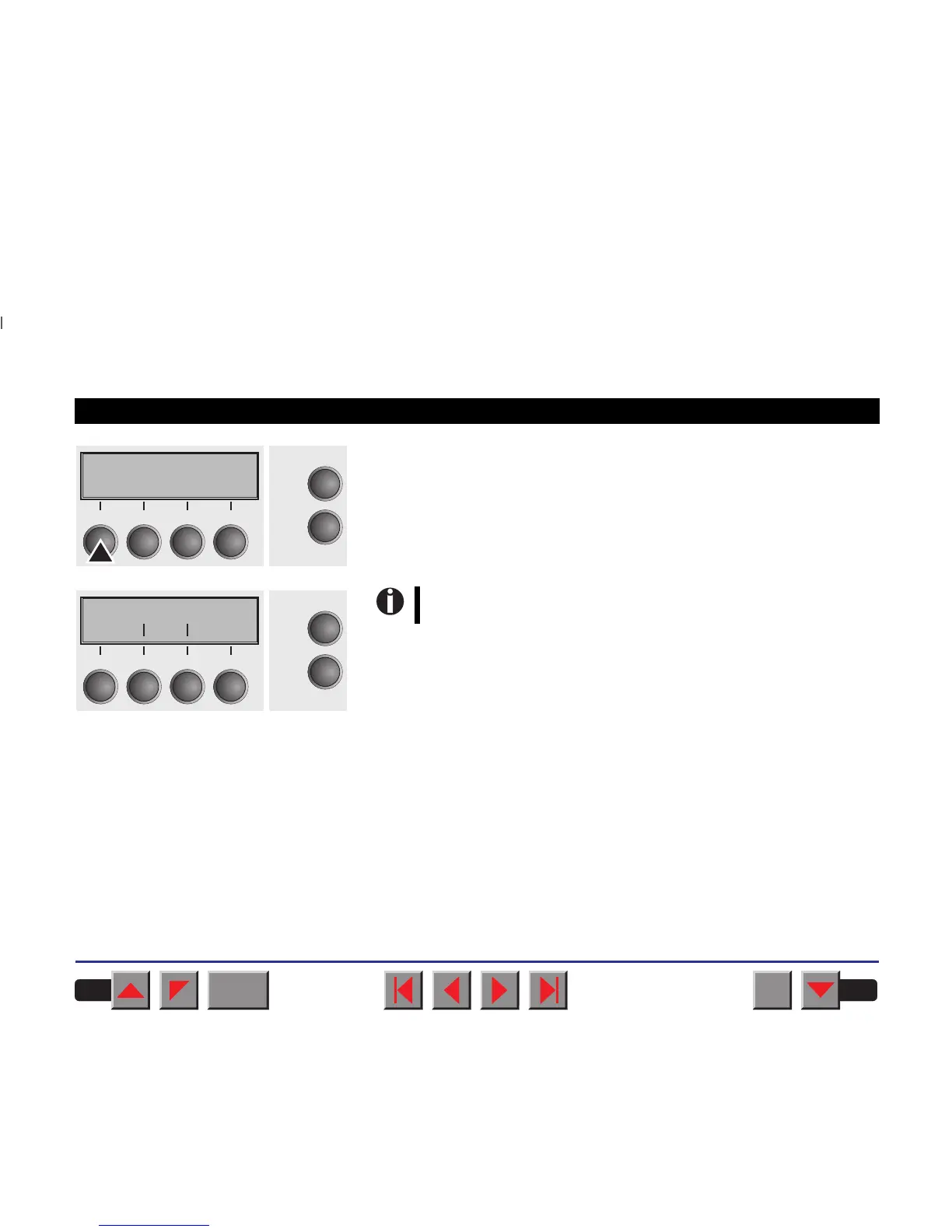
Save your selection by pressing the key Set. An acoustic signal verifies
this action.
You can exit Parameter mode without saving a setting by pressing the
key Exit (the old setting is retained).
After saving your setting (Set), the display in our example indicates the
following text:
➤ Terminating Setup mode Press either the key Setup to change into Offline mode or the key On-
line to change to Online mode.
German *
Online
Setup
Set < > Exit
21
3
4
Ges.Men Sprache
Online
Setup
Rück Vor
21
3
4
This setting is retained even after switching off your printer.
BACK
QUIT
?
PRINT
Reference manual The Menu
50



 To Next Page