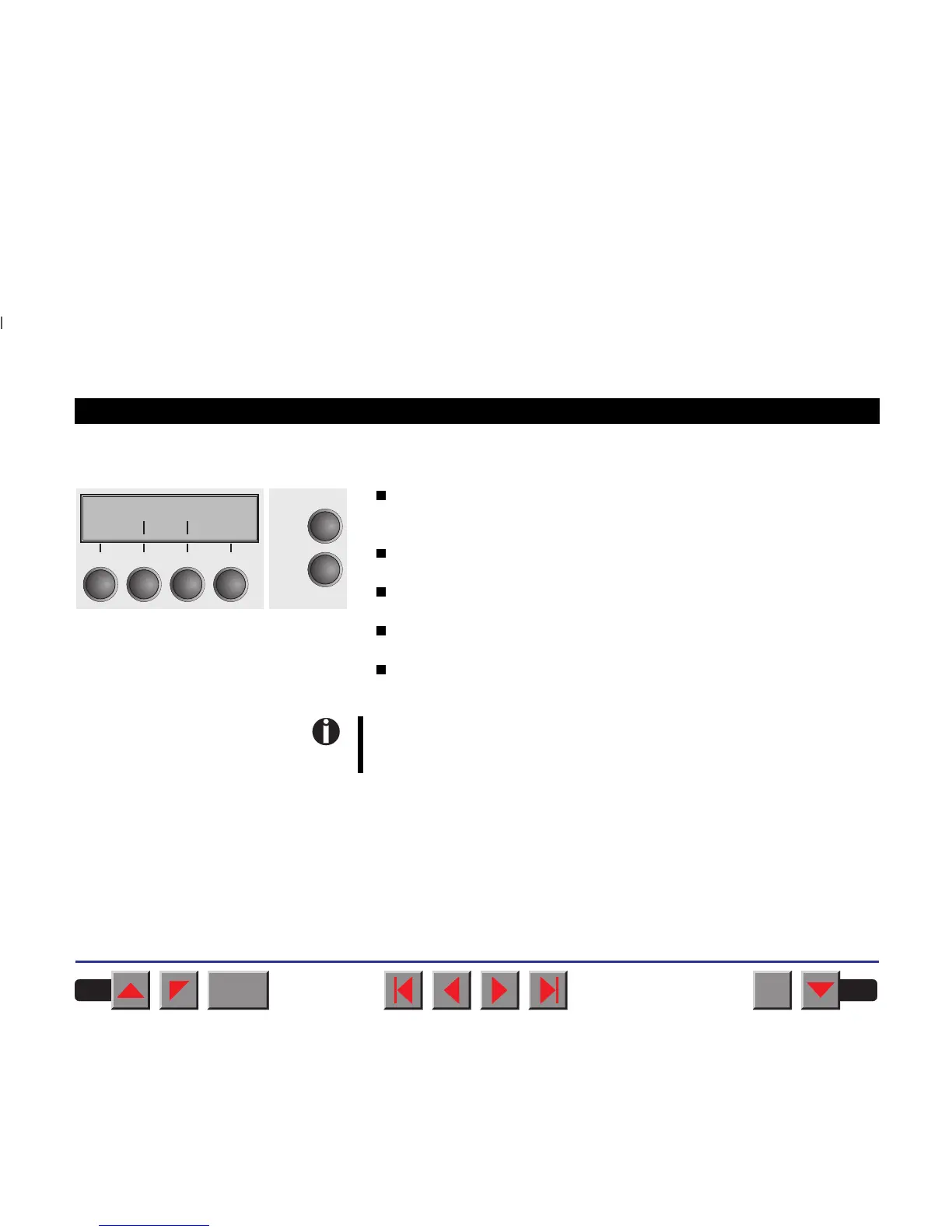
➤ Setup mode In this mode, the following settings are available:
Setup key:
Sets the printer to setup mode, in which the following settings can be
selected:
Menu key (1):
Other menu settings.
Adjust key (2):
Setting the tear position, first printing line and print head gap.
Paperway key (3):
Paper path.
Char key (4):
Font and number of characters per inch.
Access to the other menu settings is disabled by the manufacturer.
For information on how to enable access and about the available
settings, refer to the chapter
The menu
.
Adjust Paperway
Menu Char
Online
Setup
21
3
4
BACK
QUIT
?
PRINT
Reference manual The control panel
14



 To Next Page