➤ Messages in the LC
display
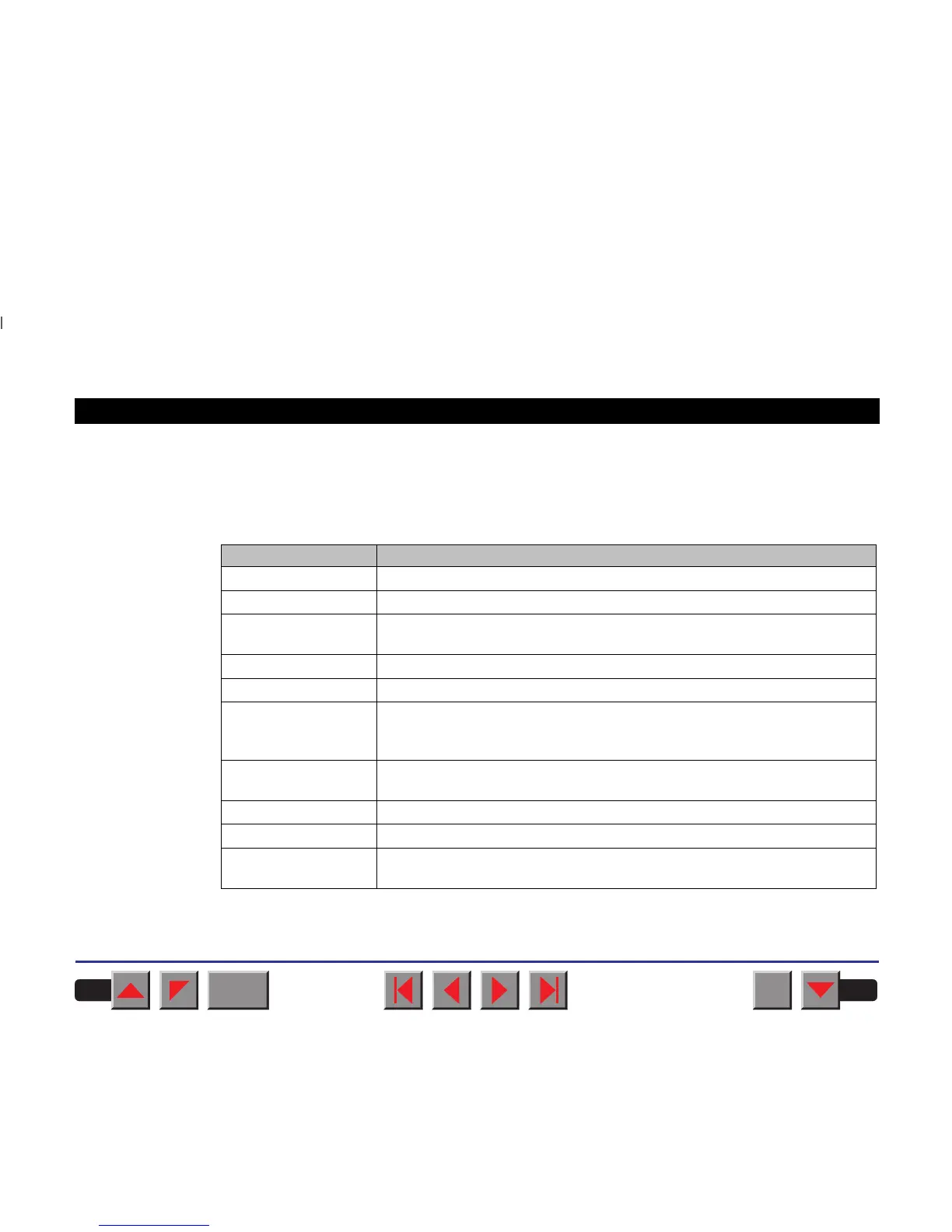
If the printer detects an internal fault or user error or if it expects you to
do something, a message will appear in the LC display. Below you will
find a list of messages with brief descriptions of each message. The
messages are described in greater detail in the chapter
Troubleshooting
.
Message Meaning
Eject error
The printer cannot eject paper / advance it to park position.
Hardware Alarm
Internal hardware error / print head blocked.
Head hot
The printer reports that the print head is hot and that print speed will be
reduced.
Initializing
This message appears during the printer’s initializing phase.
Load error
The printer cannot draw in the loaded paper.
Loading default
Indicates that the printer is being initialised and is carrying out the internal
self-test immediately after turning on the printer. Factory defined
parameters will be reloaded in all available menues.
Out of paper
The printer has detected paper end during operation / printer was switched
on with no paper loaded.
Parity error
A parity error during data transmission is indicated.
Press any key
The user is requested to press any key.
Tear Paper off
The user is requested to tear off paper which has been advanced to the
quick tear edge.
BACK
QUIT
?
PRINT
Reference manual The control panel
15



 To Next Page