Loading firmware
To load new firmware, proceed as follows.
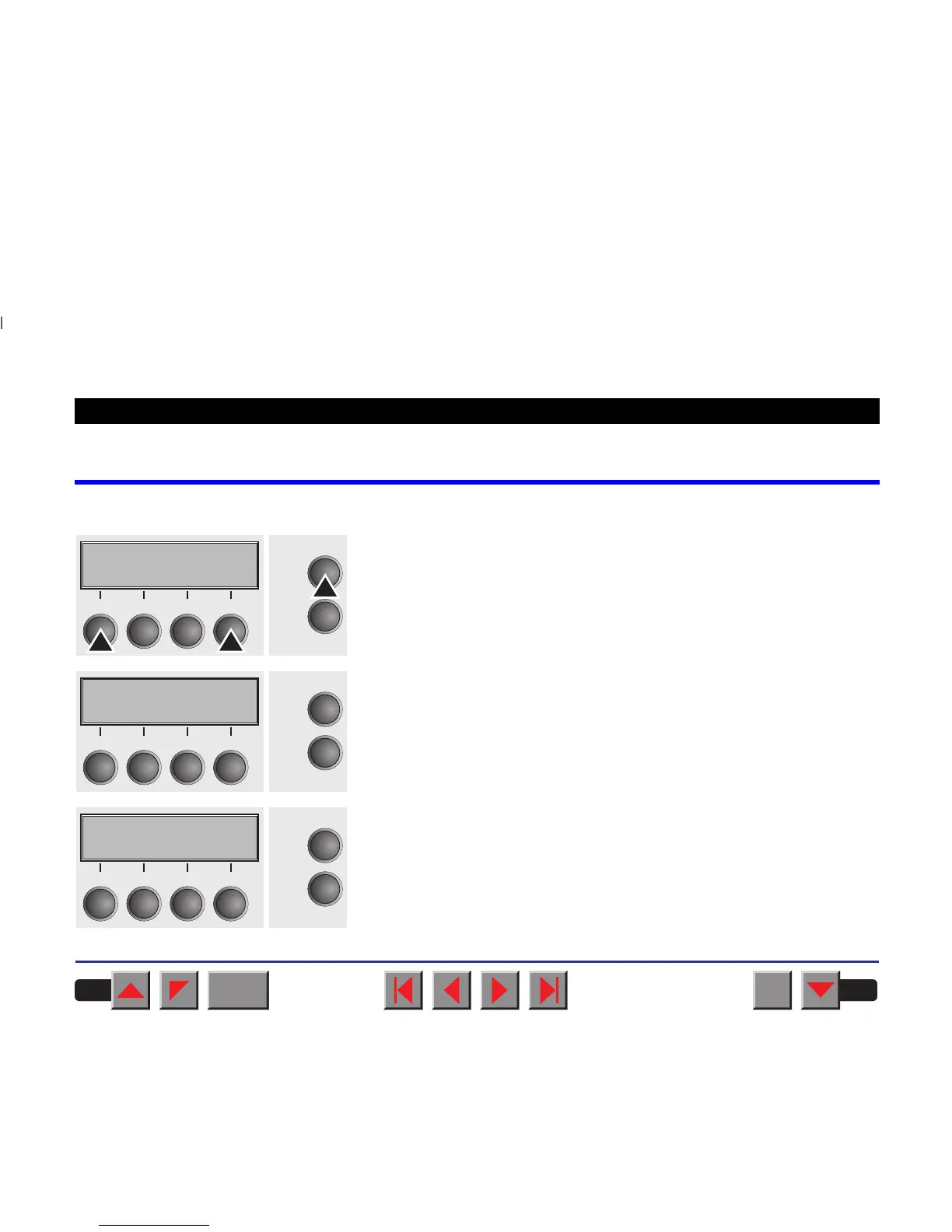
1. Switch off the printer. Connect your DOS PC (LPT1:) to the parallel
port on the printer.
2. Press keys 1, 4 and Online. Hold the keys pressed.
3. Switch on your printer.
The printer is ready for the download when BOOT appears on its display.
4. Copy the file, e.g. DOWNLOAD.FDF, from the diskette (A:) to your
printer as follows:
A:\COPY /B DOWNLOAD.FDF PRN
A progress indicator (bar) and DOWNLOAD FIRMWARE appears on the
display during the download; alternatively, an error message is displayed:
PRG = Firmware
GEN = Character set or font (character generator)
P+G = Firmware and character set
The frame currently being transferred appears in the top row on the right
of the display.
Online
Setup
21
3
4
Online
Setup
BOOT
21
3
4
Online
Setup
Download
firmware
21
3
4
BACK
QUIT
?
PRINT
Reference manual Loading firmware
88



 To Next Page