➤ Physlm
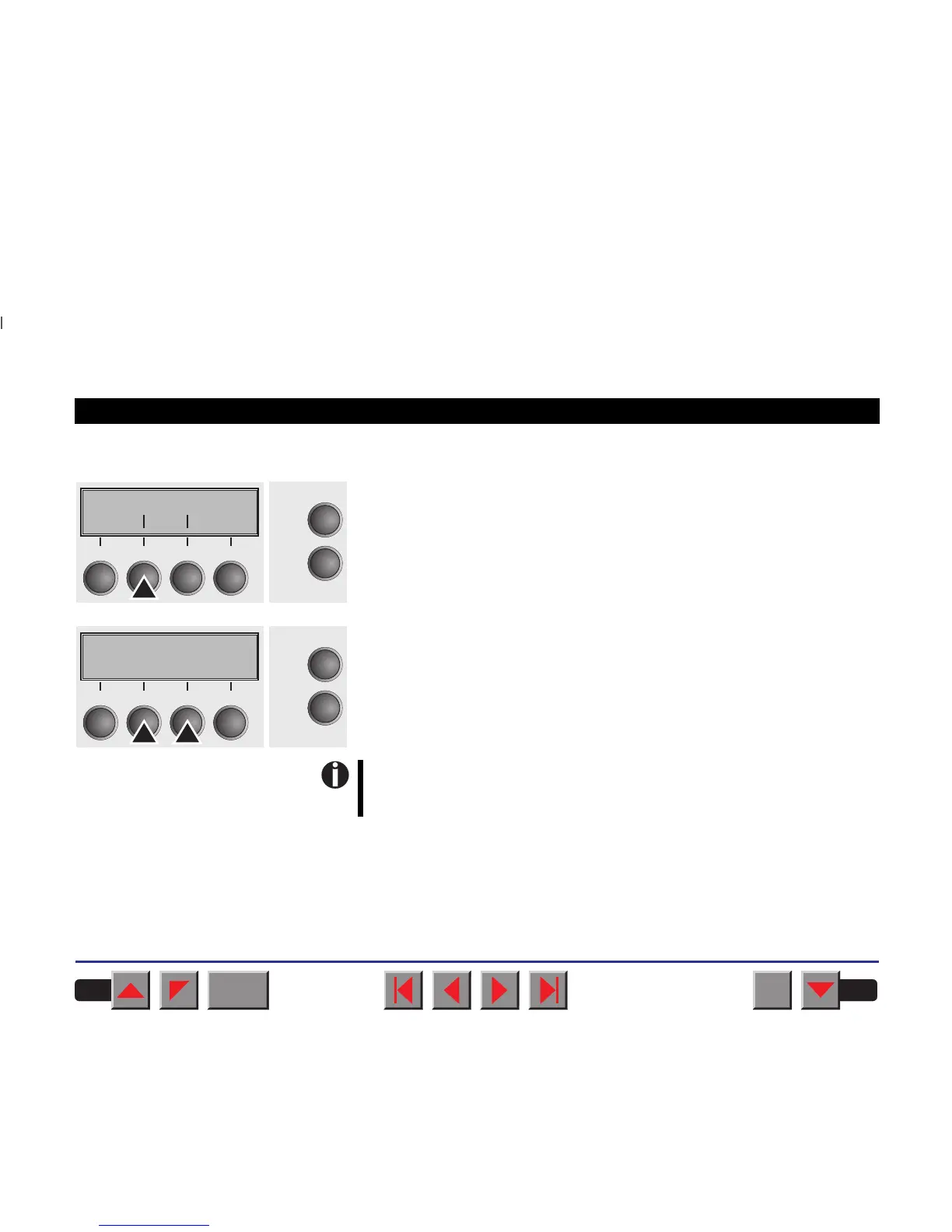
Select the Physlm menu (stands for physical left margin).
Setting otpions: 0 to 30 in 1/10 inch steps
Default setting: 0 1/10 inch
Permanent (physical) setting of the left margin. This parameter cannot
be changed by emulation-dependent margin settings. Margin setting
values entered by ESC sequences are added to the Physlm.
All parameters described in the Paphand group may also be
defined via an ESC sequence (see chapter
Emulations
or the
Programmer’s Application Manual
.
Confirm your settings by pressing the key Set.
Physlm
Online
Setup
Back Next
21
3
4
Physlm= 0/10" *
Online
Setup
Set < > Exit
21
3
4
BACK
QUIT
?
PRINT
Reference manual Mechanical adjustments to the printer
84



 To Next Page