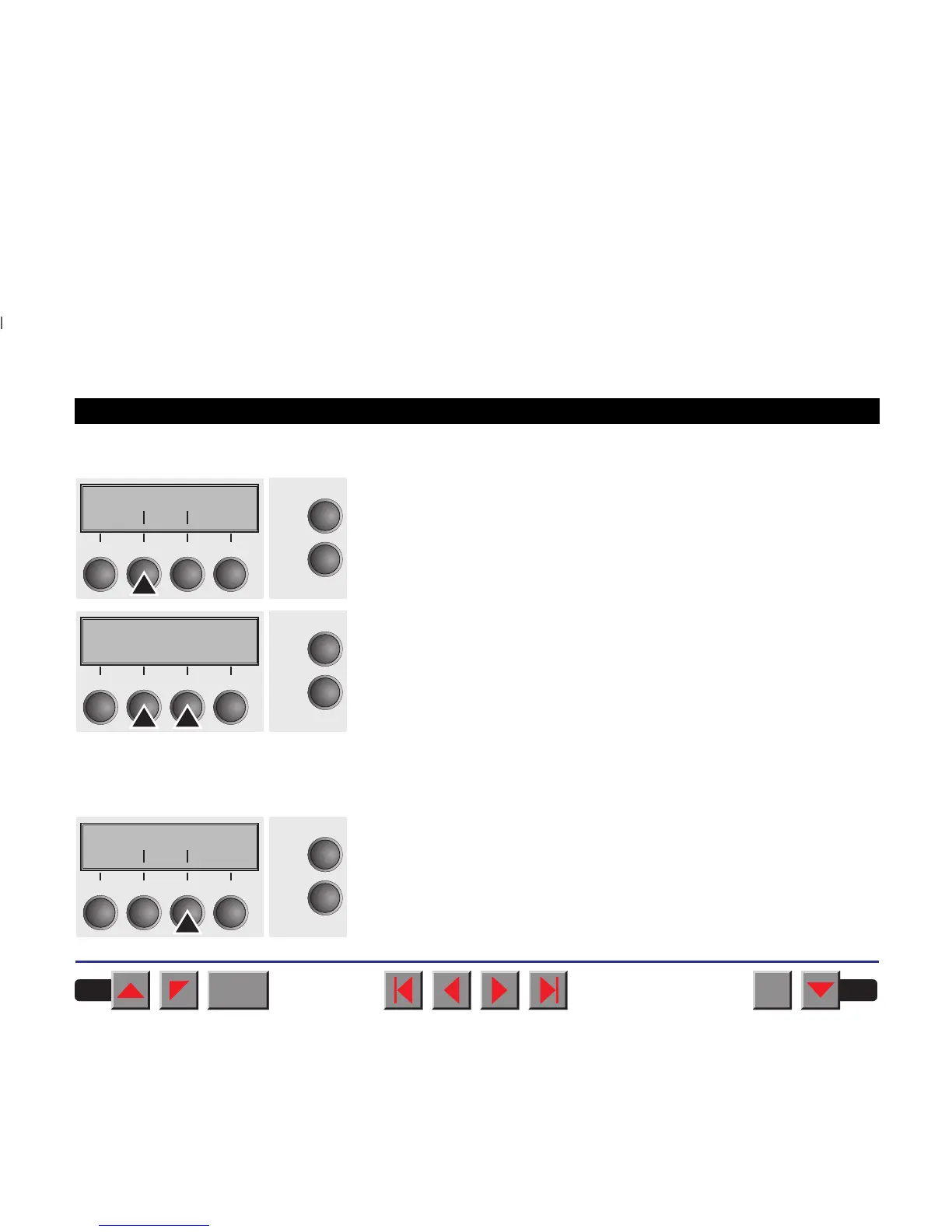
➤ Wrap
Select the Wrap menu.
Setting options: On/Off
Default setting: On
Wrap=On: If more characters than can be printed are transmitted per
line, the characters which cannot be printed on this line are printed at the
beginning of next line. Wrap=Off: If more characters than can be printed
are transmitted per line, the characters which cannot be printed on this
line are cut off.
Confirm your settings by pressing the key Set.
➤ Sound
Select the Sound menu.
Wrap Sound
Online
Setup
Back Next
21
3
4
Wrap=On *
Online
Setup
Set < > Exit
21
3
4
Wrap Sound
Online
Setup
Back Next
21
3
4
BACK
QUIT
?
PRINT
Reference manual Mechanical adjustments to the printer
86



 To Next Page