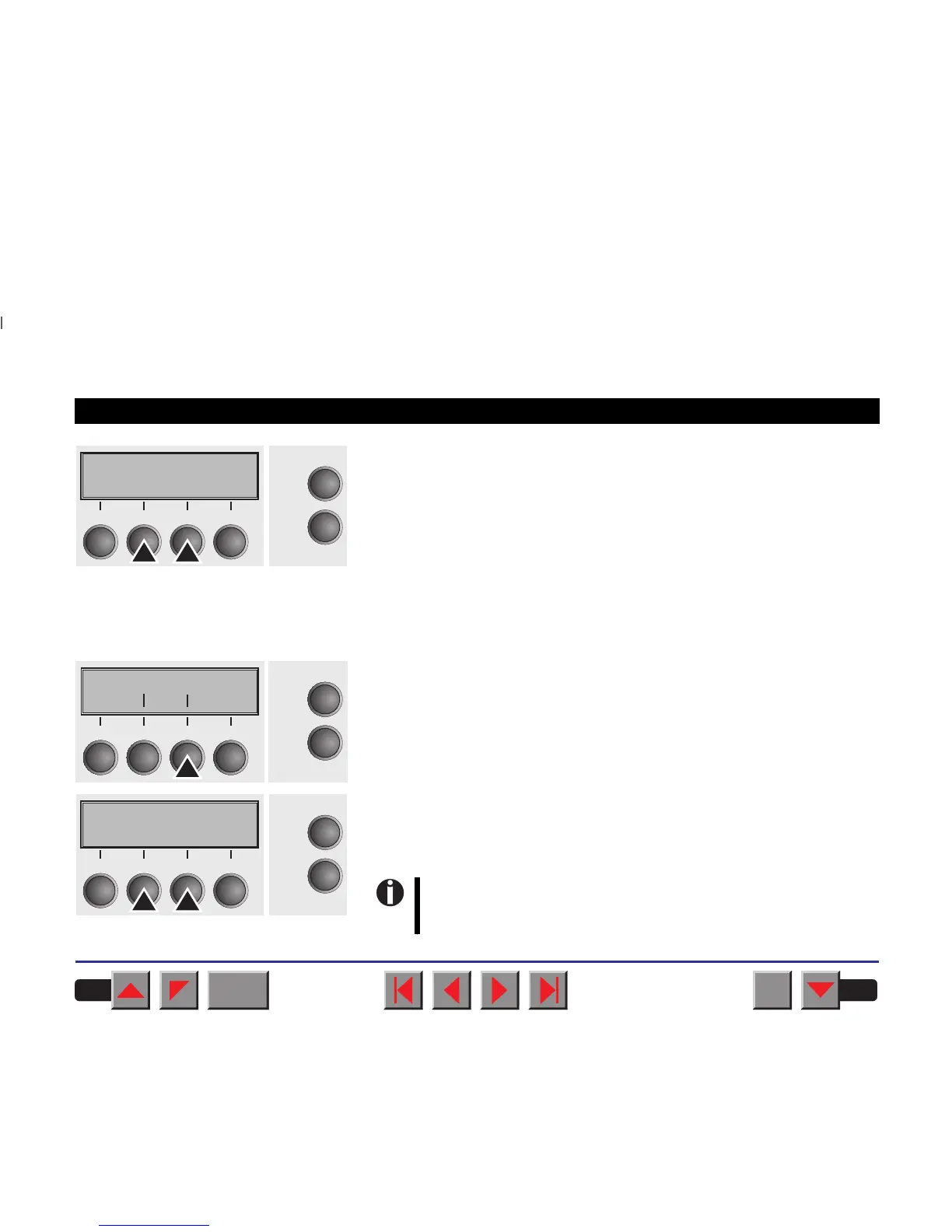
Setting options: On/Off
Default setting: On
When Sound = On, a beep is generated every second to notify that
paper is empty.
Confirm your settings by pressing the key Set.
➤ Pap.back
Select the Pap.back menu.
Setting options: normal/dark
Default setting normal
Pap.back = normal is the standard for normal paper. Pap.back = dark
can be set to process paper with a grey back.
Sound=On *
Online
Setup
Set < > Exit
21
3
4
Pap.backPap.back
Back NextBack
Next
OnlineOnline
SetupSetup
2211
33
44
Pap.back=normal*
Set < > Exit
Online
Setup
21
3
4
Paper with a completely black back side cannot be used if
the ink is carbon-based. However, the printer can handle
aniline-based black paper.
BACK
QUIT
?
PRINT
Reference manual Mechanical adjustments to the printer
87



 To Next Page