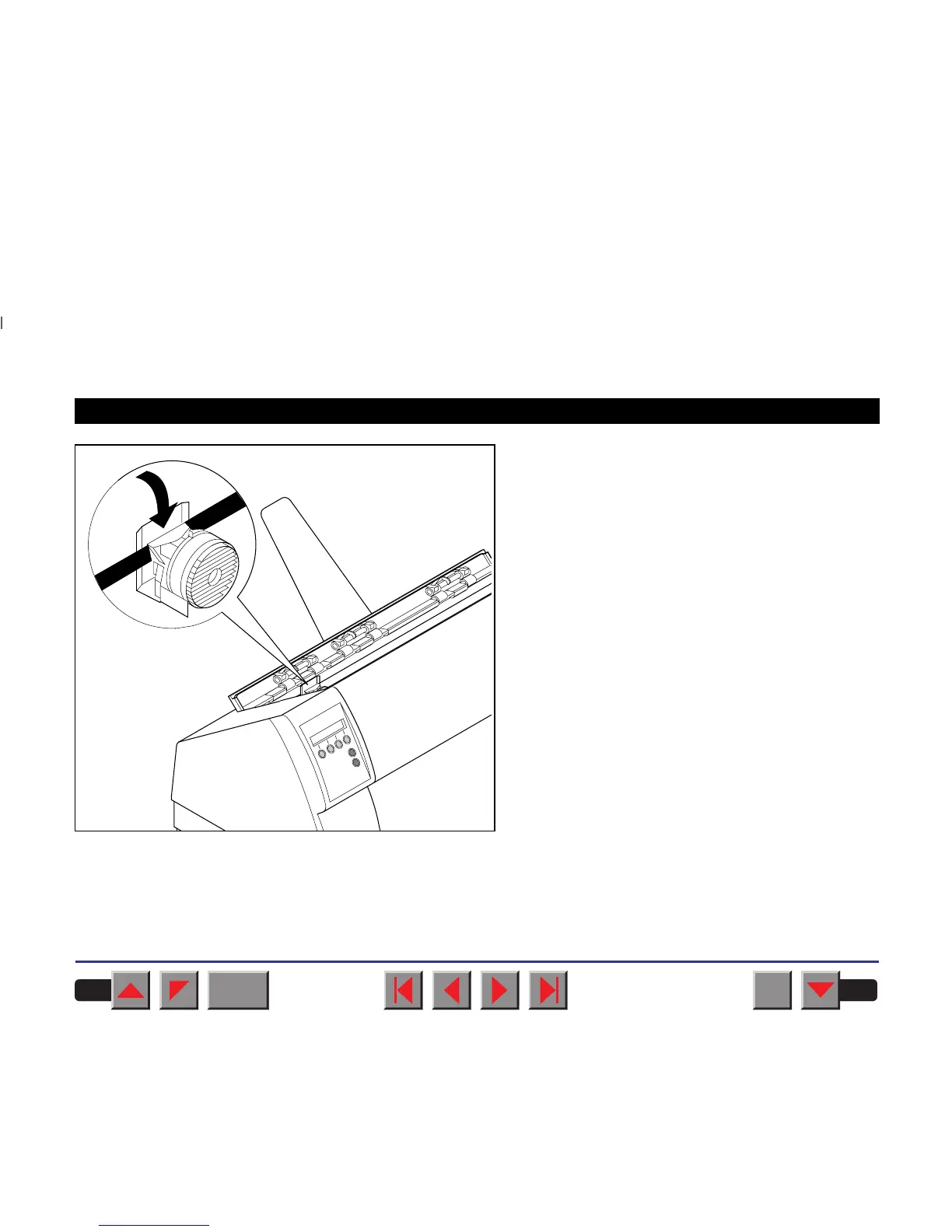
Use the knob on the right side of the cassette to take
up slack of the ribbon again. Thereby the ribbon will
slide over the plastic noses on the left and right of
the print head into the correct positon.
Press the printer bar cover down until it clicks into
place, remount the top cover, making sure that the
projections on the cover are inserted correctly into
the recesses of the printer housing, and close it.
BACK
QUIT
?
PRINT
Reference manual Changing the ribbon cassette
21



 To Next Page