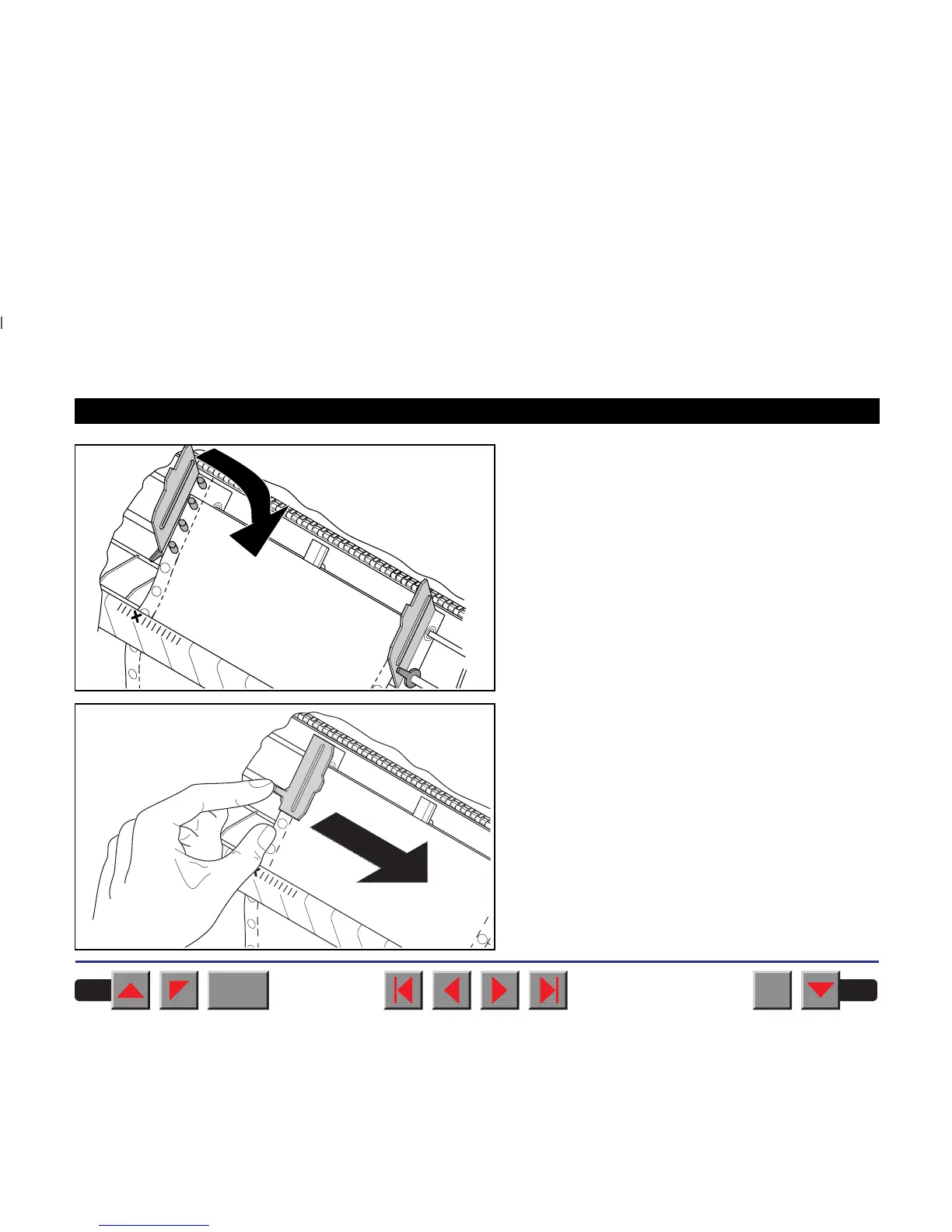
Insert fanfold paper into the left-hand tractor. Make
sure that at least three paper transport holes are
positioned on the tractor pins. Close the left tractor
flap. Insert the fanfold paper in the left-hand tractor
first, ensuring that at least three perforation holes
engage with the tractor pins.
Close the tractor flap.
Open the coloured latch lever and align the tractor
so that the first printing position on the paper
matches the X mark on the printer housing.
Lock the lever again.
BACK
QUIT
?
PRINT
Reference manual Loading paper
28



 To Next Page