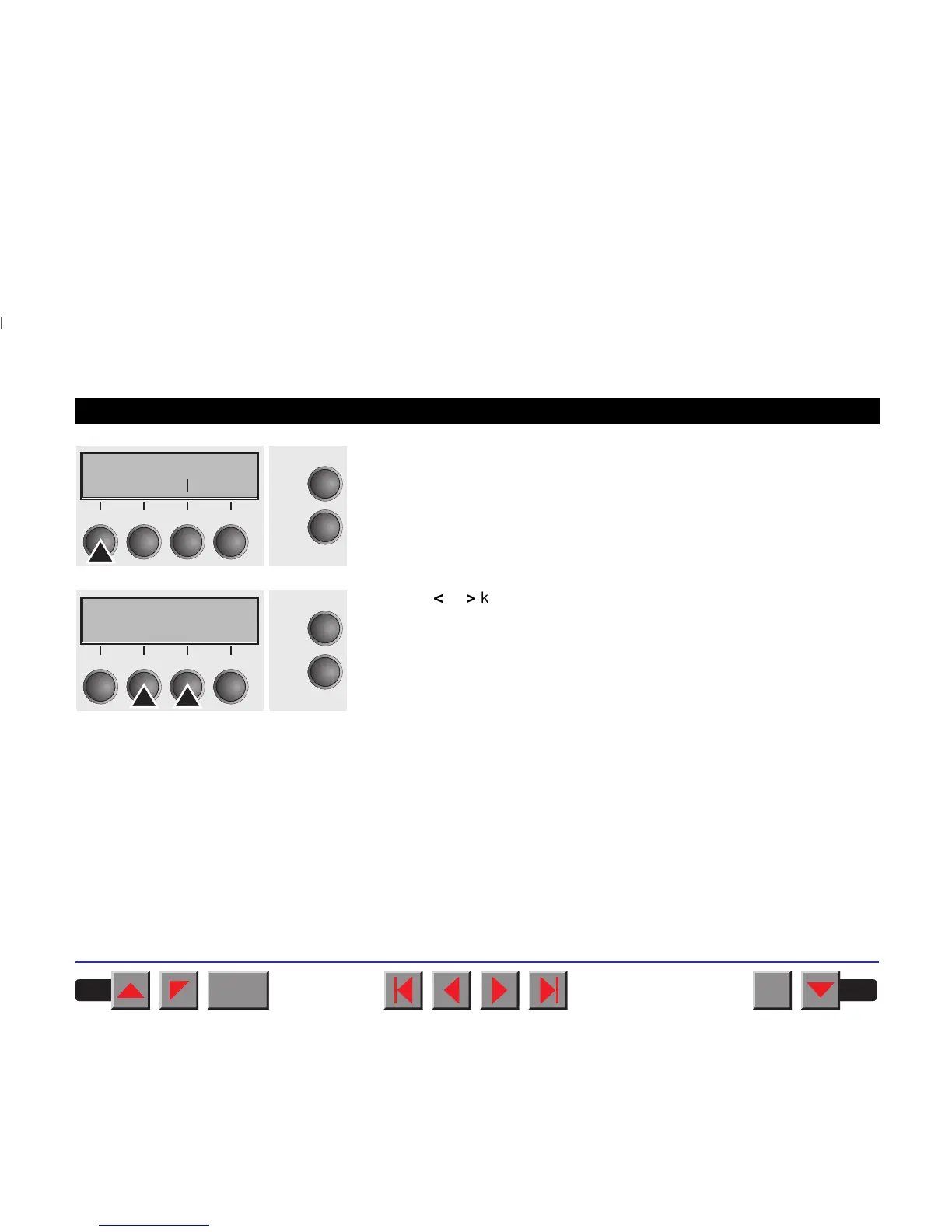
Press the Head key.
Use the
<
or
>
key to set the range within which the automatic gap
adjustment is to be corrected. You can select a value from -10 to +10.
Negative values reduce the head distance, positive values increase it.
Confirm the setting by pressing the Set key.
Press the Setup key. The printer is reset to the initial status.
TOF
Head Tear
Online
Setup
21
3
4
Head= 0 *
Set < > Exit
Online
Setup
21
3
4
BACK
QUIT
?
PRINT
Reference manual Settings (II)
38



 To Next Page