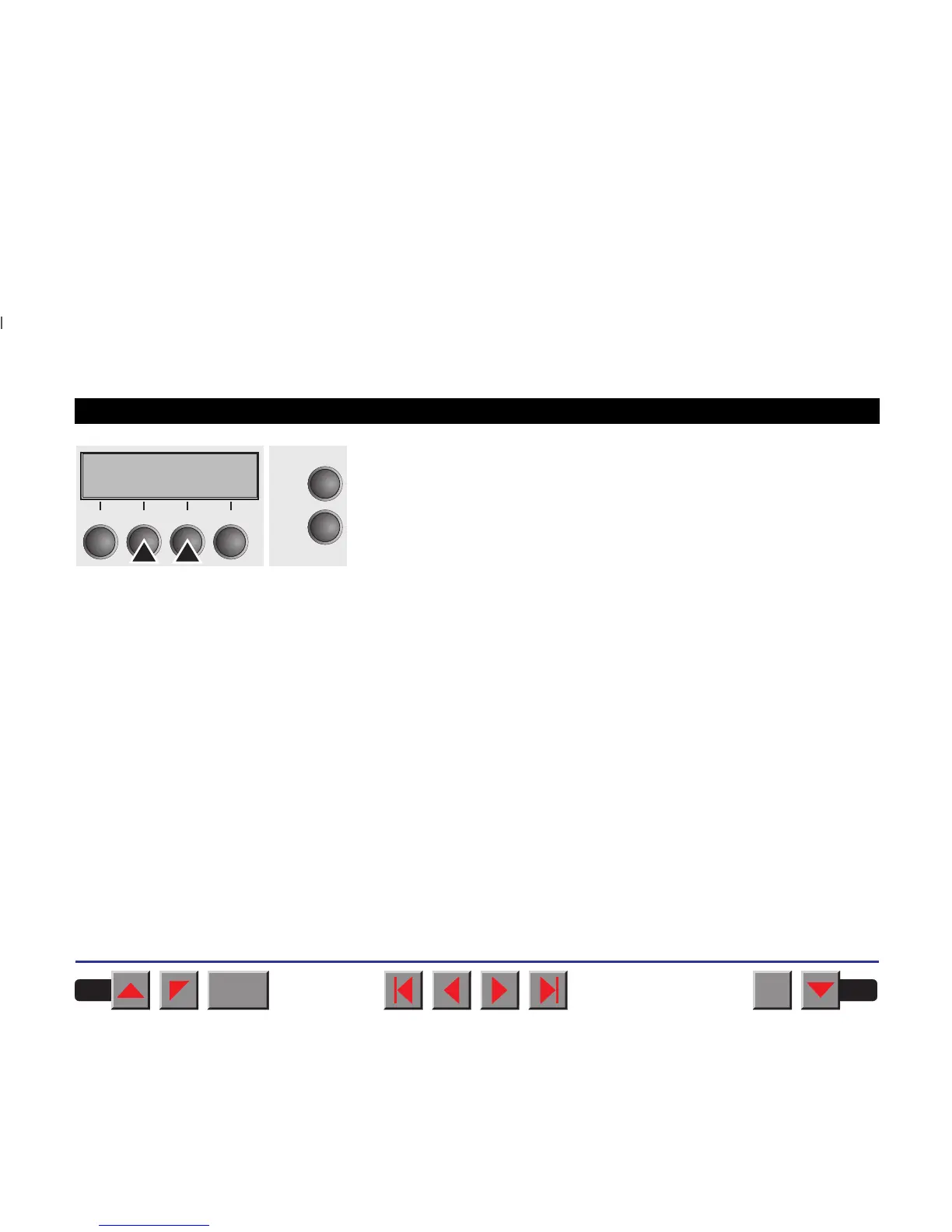
Setting options: 12 inches or 11 inches
Default setting: 12 inches for 220–240 V printers
11 inches for 120 V printers
The value defined here is set in all three menus and for all paper paths.
The setting made here is not changed by loading the default (factory)
settings by pressing all four function keys (see section
Key functions
when turning on the printer
).
Confirm your setting by pressing the key Set.
Formlen=12" *
Online
Setup
Set < > Exit
21
3
4
BACK
QUIT
?
PRINT
Reference manual Mechanical adjustments to the printer
77



 To Next Page