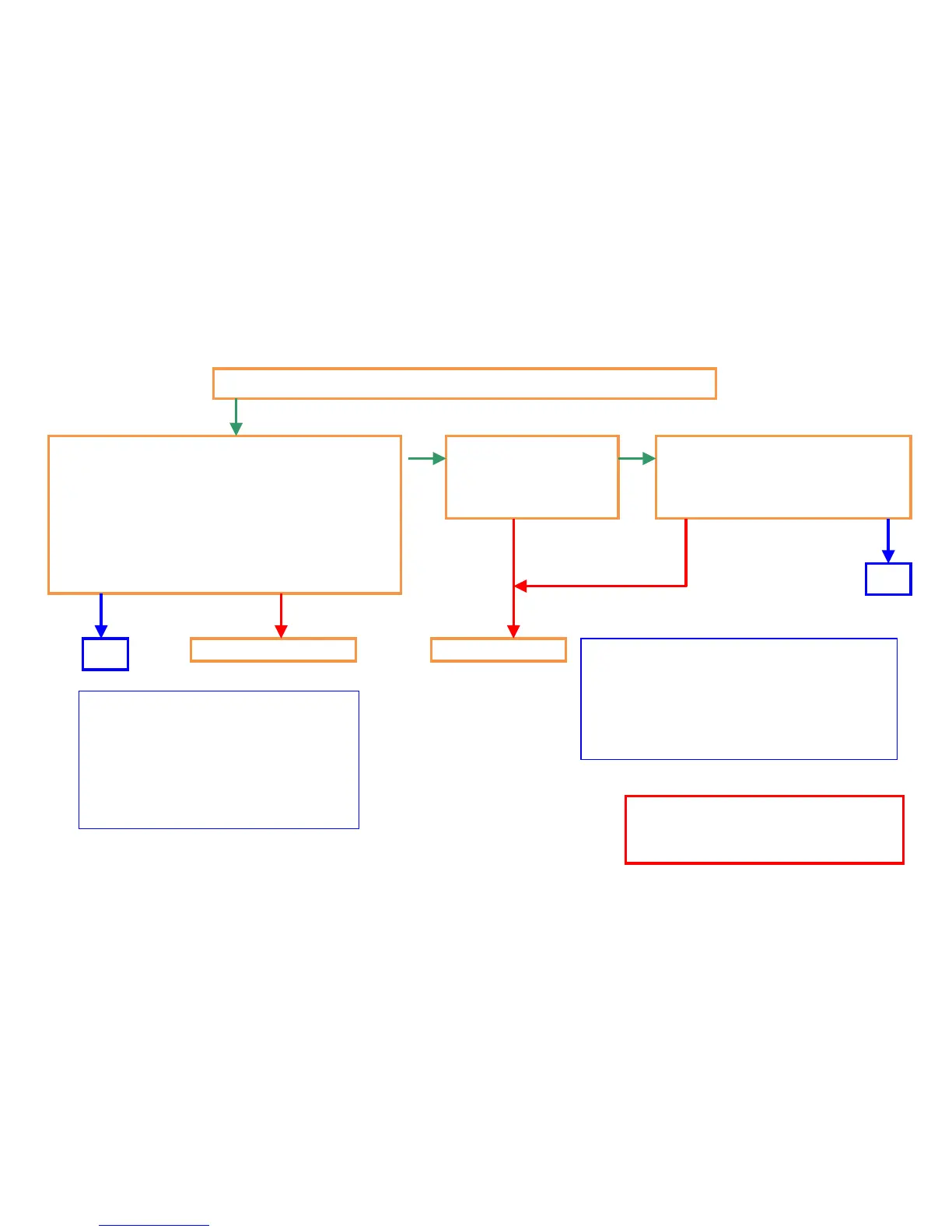
C0640 (HDD error)
C0640 display on the operation panel LCD at turning on the main sw.
Check the cable, connecter between HDD and
Main PCB. (check poor connection, break,
damage
<Connect applicable for main PCB>
5500i/4500i/3500i :
YC1、YC27
Replace the cable
Check abnormal
sound (rattling sound)
during driving HDD
Initialize HDD: *
1. Execute U024.
2. Select “FULL” and start format.
3. Power OFF/ON.
Replace HDD
HDD Item code
5500i/4500i/3500i :
302LH93070 PARTS STORAGE DEVICE SP
OK
HDD related cable item code:
5500i/4500i/3500i :
302K946A10 WIRE HDD POWER
302K946A20 WIRE HDD DATA1
OK
* HDD initialize :
Stored data in HDD will be erased
after this format.
NG
NG NG
78


 To Next Page