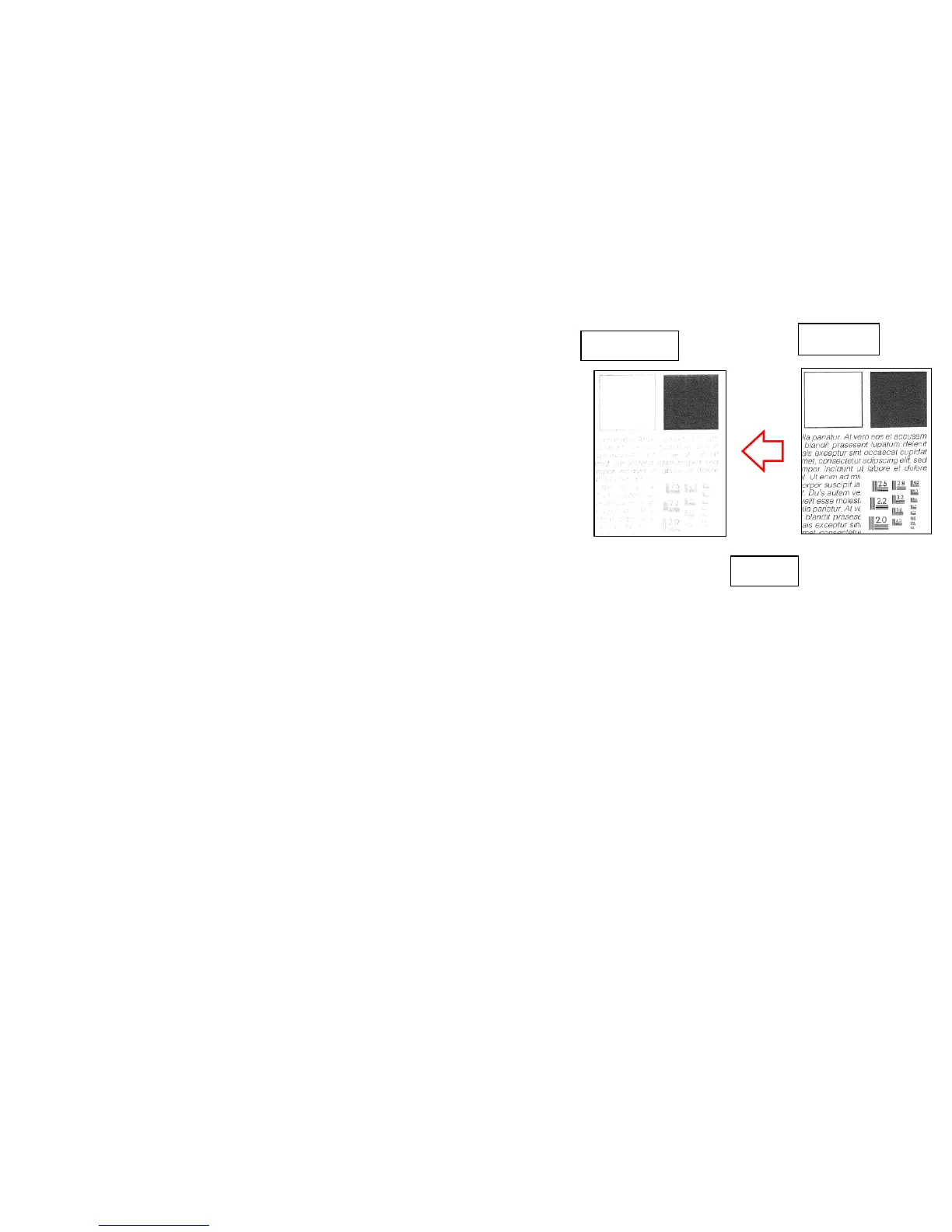
Light Image
If the copy image becomes out of focus, take the following measure in
order. (Sample1)
1. Replace the ISU_LENS UNIT (PARTS IMAGE SCANNER L SP:
302K993082)
2. Execute the scanner auto adjustment.
2-1. Place the designated adjustment original (Part No.:
7505000005) on the contact glass.
2-2. Select “Target” on U411 Scanner Auto Adjustment
2-3. Select “Auto” and press the start key.
2-4. Select “Table (Chart1)”.
2-5. Select “ALL” for items to be executed.
2-6. Press the start key and start the auto adjustment.
Refer to the service bulletin No. 2LC-0026 (B314)
Original
Sample1
COPY
24


 To Next Page