the number turns YELLOW.
(high limit) or (low limit)
symbol is displayed before the
number.
When default high/low alarm limit
setting is changed, a decimal point (.) is
displayed after the reading as a
reminder.
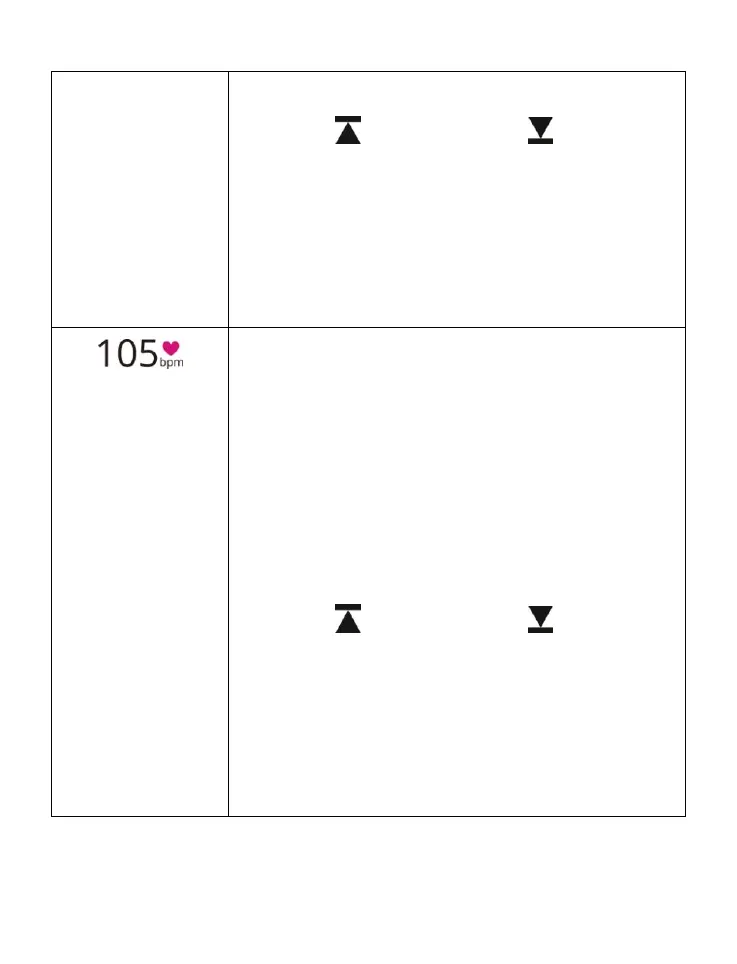
Pulse Rate Display
This 3-digit display shows the
pulse rate in
beats per minute (bpm). The displayed range
is from 40 to
240 bpm. Heart sign is added to
facilitate the differentiation between pulse
rate and SpO
2
value.
When the high (or low) alarm limit is
exceeded,
the number turns YELLOW.
(high limit) or (low limit)
symbol is displayed before the
number.
When default high/low alarm limit
setting is changed, a decimal point (.) is
displayed after the reading as a
reminder.



 To Next Page