Taiwan Biophotonic Corporation
41
Startup Sequence and Self-Tests
1. Press ENTER buttons for 3 seconds to turn on the device.
2. During Startup sequence, the device will
execute self-testing automatically. Check
if the following action sequences are
performed:
Vibrate for 1 seconds.
The LED INDICATOR flashes
YELLOW one time.
The LED INDICATOR flashes
BLUE one time.
LED INDICATOR flashes WHITE three times
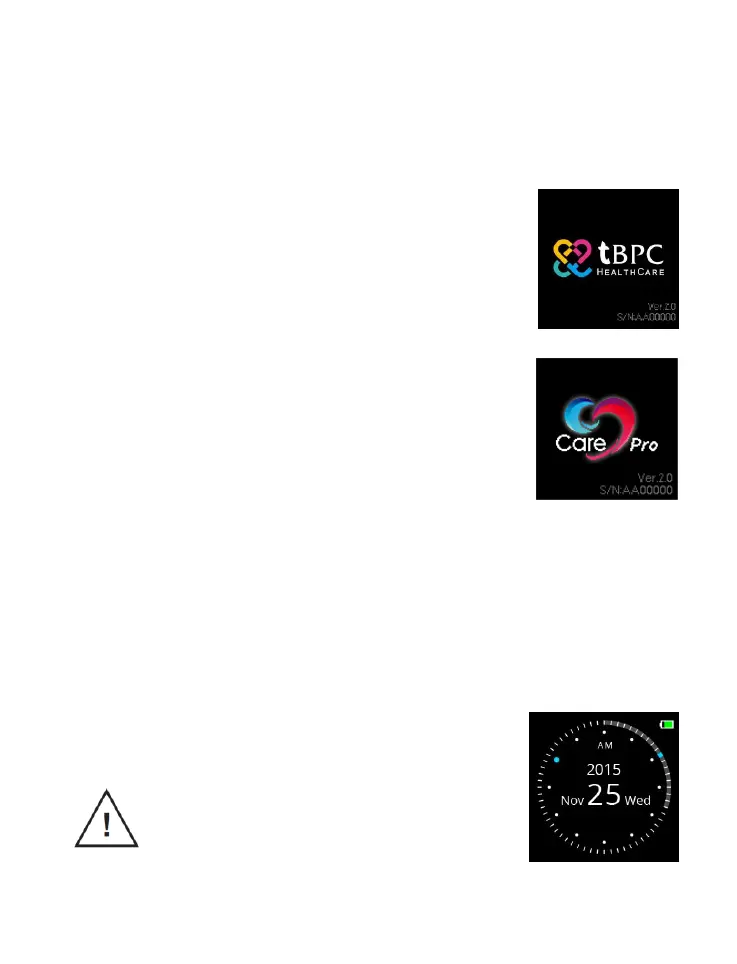
The display shows serial number and software
version number to indicate the Startup self-tests are
completed
3. If not first-time use, the device enters the
Watch Mode.
CAUTION:
1. If any action is not performed during self-tests, do not use



 To Next Page