Taiwan Biophotonic Corporation
45
turns off the BLUETOOTH
®
radio
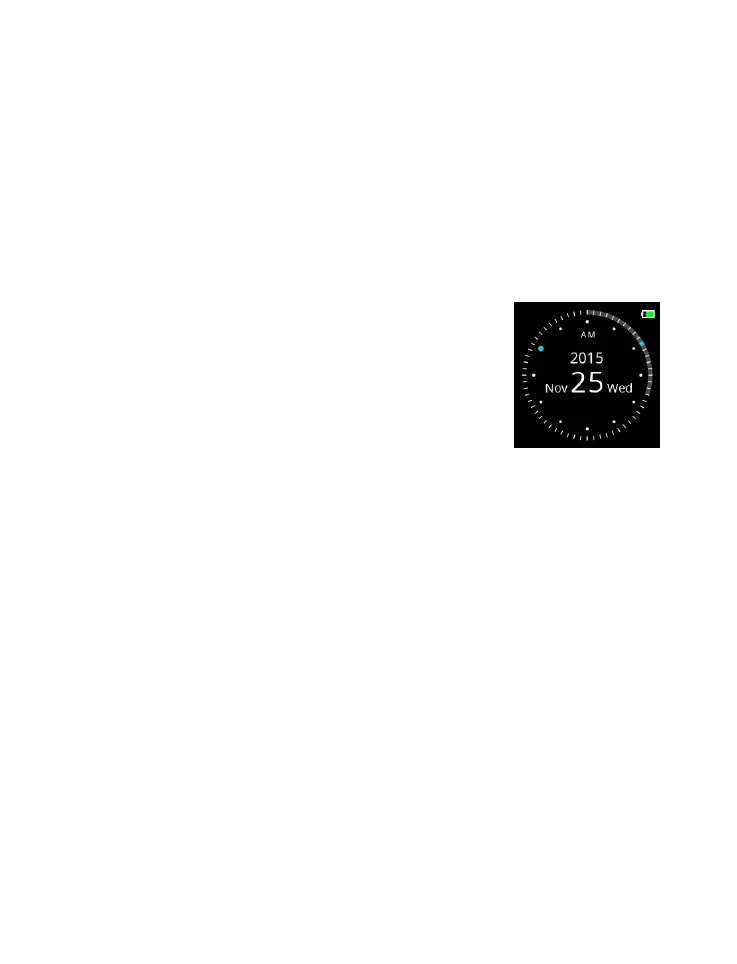
Watch Mode
Watch Mode is the home screen of the device with watch
functionality.
1 To check the Time or Date, press any
button once to wake up from the Sleep
Mode.
2 If no button is pressed in designated
time, the device enters Sleep Mode.
3 Press SWITCH button once to enter the
Measurement Mode whenever needed.
Measurement Mode
The mode is for the monitoring of Pulse Rate (PR) and blood
oxygen saturation (SpO
2
). Make sure the device is worn
properly, as illustrated in Figure 8, before starting the
measurement.
1 Press SWITCH button once to enter the Measurement
Mode (from Watch Mode).
2 Two available options in the Measurement Mode:



 To Next Page