oCare
TM
Pro 100
54
40~110bpm, with 5bpm step
size
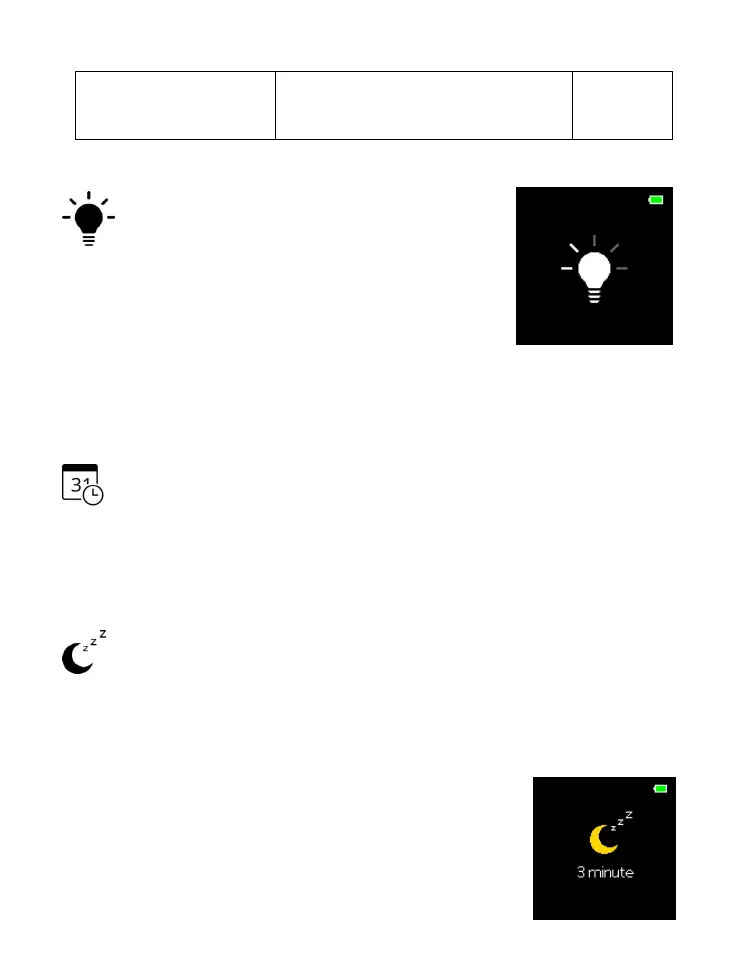
Brightness Setting
Press SWITCH button to move among
five brightness settings.
Once preferred brightness setting is
selected, press ENTER button to accept the setting,
and return to “SETTING” menu.
Date/Time Setting
Please refer to “Date and Time Setting” for adjustment
instrucitons.
Idle-Time-to-Sleep Setting
If longer observation of the measurement value is required,
adjust the setting here to accommodate for that purpose.
Remember to adjust the setting back to 3 minutes for battery
conservation and better performance.
Press SWITCH button to move among
five Idle-Time-to-Sleep setting: 3
minutes, 10 minutes, 30 minutes, 120



 To Next Page