Taiwan Biophotonic Corporation
47
seconds to indicate the continuous monitoring
status after Sleep Mode is activated.
2.2.5 To wake up from Sleep Mode, press any button
once to turn on the display in Continuous
Monitoring.
2.2.6 To stop the continuous monitoring, go to
“CONTROL” and deactivate the continuous
monitoring.
2.3 Press SWITCH button once and return to Watch
Mode after measurement.
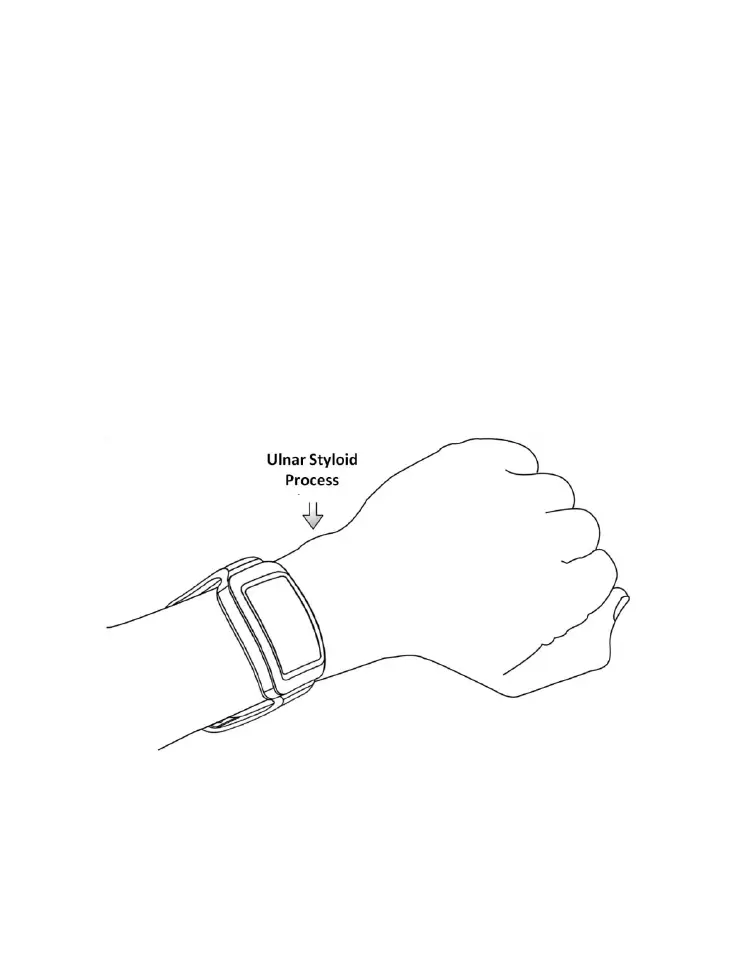
Figure 8. Position Adjustment during Measurement



 To Next Page