oCare
TM
Pro 100
52
PR/SpO
2
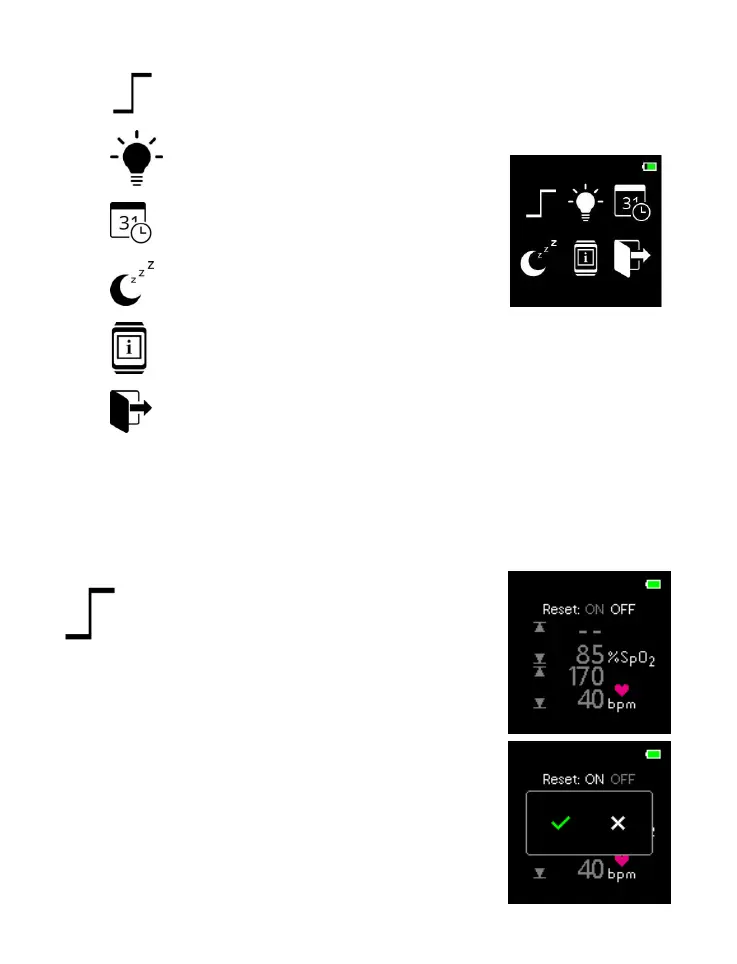
Alarm Limit Setting
Brightness Setting
Date/Time Setting
Idle-Time-to-Sleep Setting
About the Device
Exit
Press SWITCH button to select the target symbol (the color of
the selected symbol would change), and press ENTER button
to enter the lower menu.
PR/SpO
2
Limit Setting
RESET ON/OFF
Press ENTER button to switch to SpO
2
high limit setting, or
Press SWITCH button to turn ON the
RESET menu (the default settings
would be displayed), and press
ENTERE button to enter the RESET
menu



 To Next Page