EasyManua.ls Logo

tBPC oCare Pro100 - Troubleshooting; Troubleshooting Guide

Default Icon
96 pages
Print Icon
To Next Page IconTo Next Page
To Previous Page IconTo Previous Page
Loading...
oCare
TM
Pro 100
66
7. Troubleshooting
When caution message is displayewd or encounter a problem,
check the corresponding solutions below, and follow the
instruction correctly.
Table 6. Troubleshooting
Caution
Messages or
Problems
Possible Cause
Possible Solution
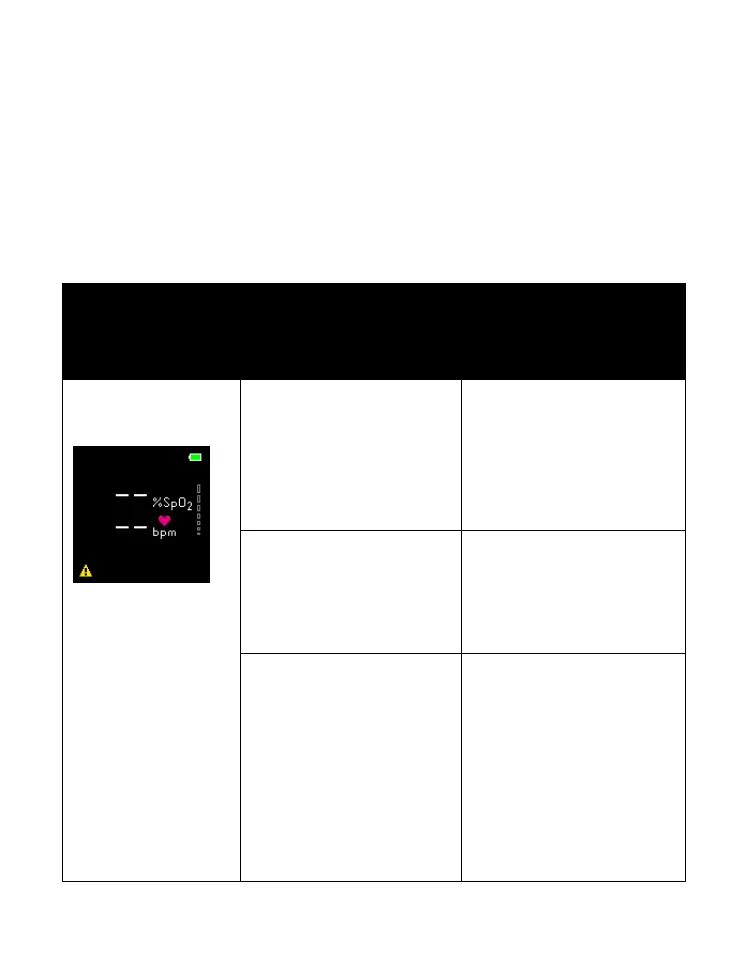
No PR/SpO
2
value
Premature
determination of
malfunction
If no PR/SpO
2
value
shown in 25
seconds, follow the
troubleshooting
below for solution.
Wrist skin is cold
Warm (or rub) the
device application
site to increase the
blood circulation.
Wear the device
incorrectly
Adjust the
watchband position
slightly above the
wrist bone or ulnar
styloid processus as
illustrated in Fig. 8,
and make sure the
device fit closely but

Table of Contents