Taiwan Biophotonic Corporation
55
minutes, and Never.
Once preferred Idle-Time-to-Sleep is selected, press
ENTER button to accept the setting and return to
upper menu.
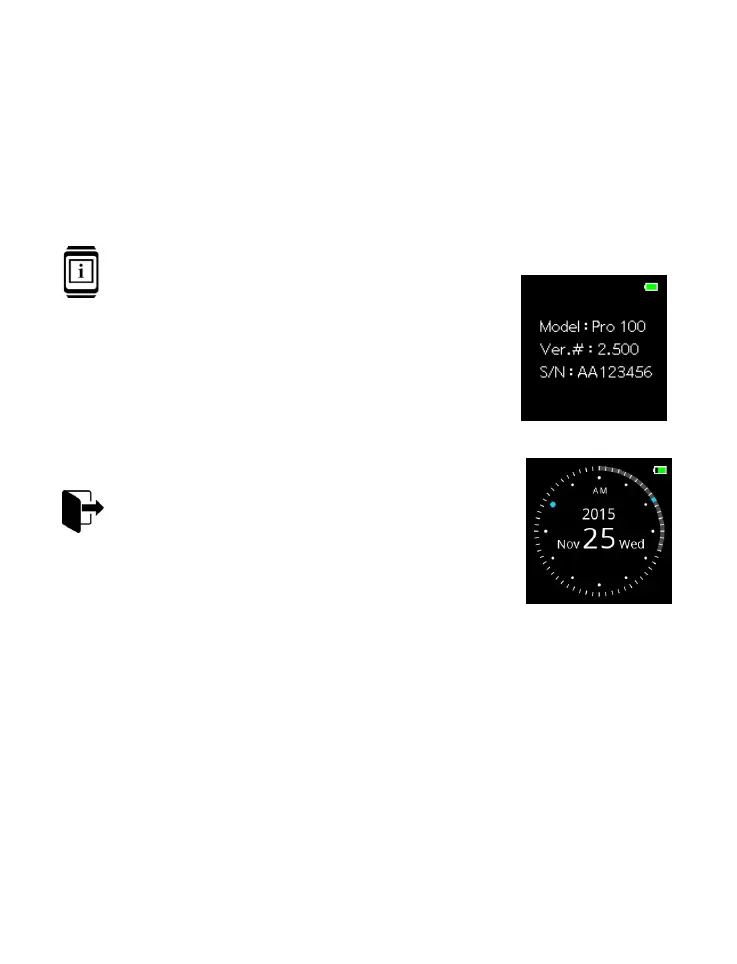
About the Device
The screen displays the model number,
software version # and serial number.
Press ENTER button to go back to
“SETTING” menu.
Exit
Press ENTER button to return to Watch
Mode.
Data Transmission
The device has BLUETOOTH
®
radio for downloading the
stored data to other devices for the purpose of analysis or
archive.



 To Next Page