oCare
TM
Pro 100
44
3. Operation and Measurement
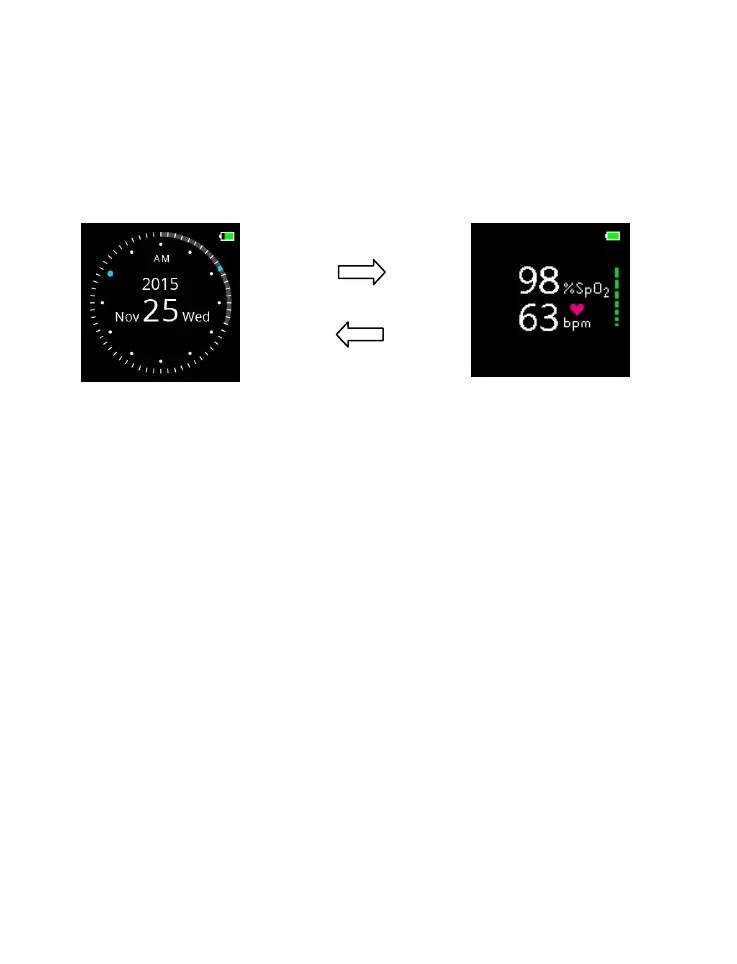
The device has two modes in repeated cycle as following:
Device Activation
Press ENTER buttons for 3 seconds to turn on the device.
Sleep Mode
When the criteria of Sleep Mode is met, after the (ex. no
activity in 3 minutes), the Sleep Mode is activated according to
the setting of the Idle-Time-to-Sleep, and the device
returns to Watch Mode, and
turns off the display, and/or



 To Next Page