Taiwan Biophotonic Corporation
43
2.1.2 Press SWITCH button to select the hour (long
press to speed up the selection); press ENTER
button to accept the setting and move to Minute
setting.
2.2 Minute/second setting: repeat the same procedure
above (Minute default: 00; second default: 00).
2.3 Press ENTER button to accept the
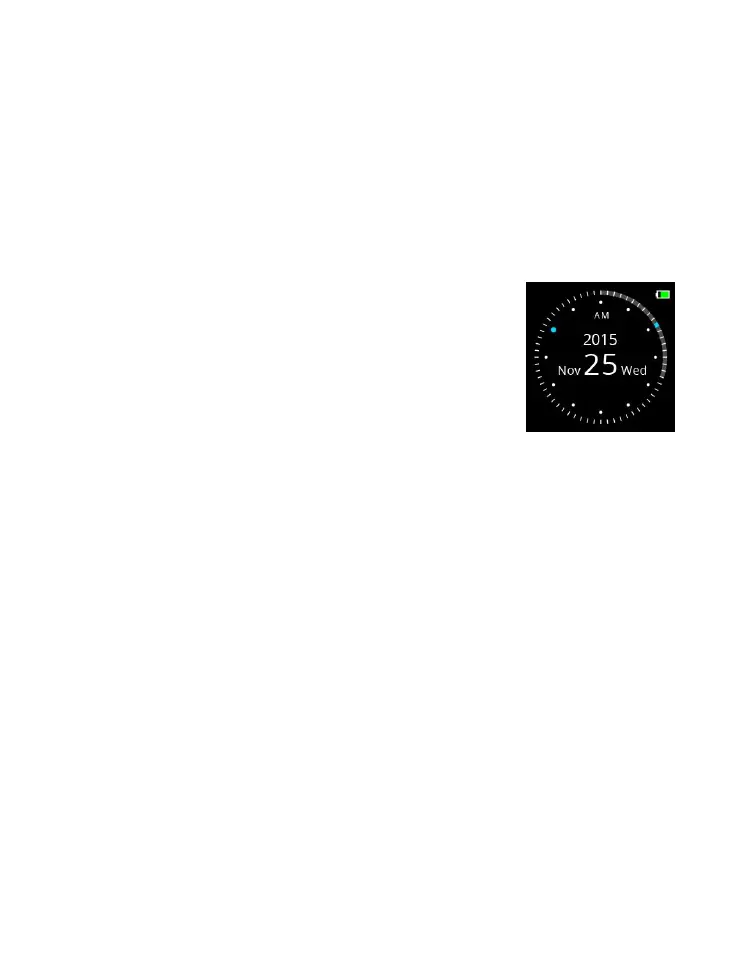
setting and enter the Watch Mode.



 To Next Page