Taiwan Biophotonic Corporation
27
upper right corner of the display.
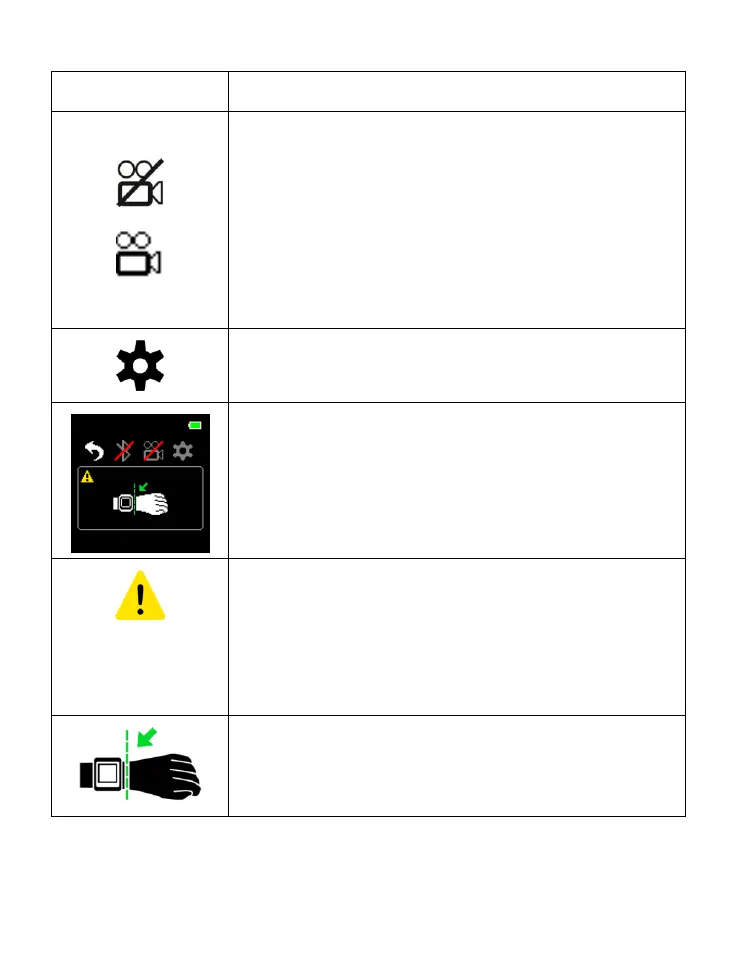
Recording Symbol
The symbol indicates the continuous
monitoring status is OFF
This symbol indicates the continuous
monitoring status is ON, and is also
displayed in the lower right corner of the
display.
Setting Symbol
Enter the SETTING menu.
Caution Message Symbol
When a caution message is generated (poor
signal condition or malfunction), the
symbol is displayed in the lower left corner
of the display.
Poor Signal Condition Symbol
The symbol recommends the user to adjust
the device position for better signal reading.



 To Next Page