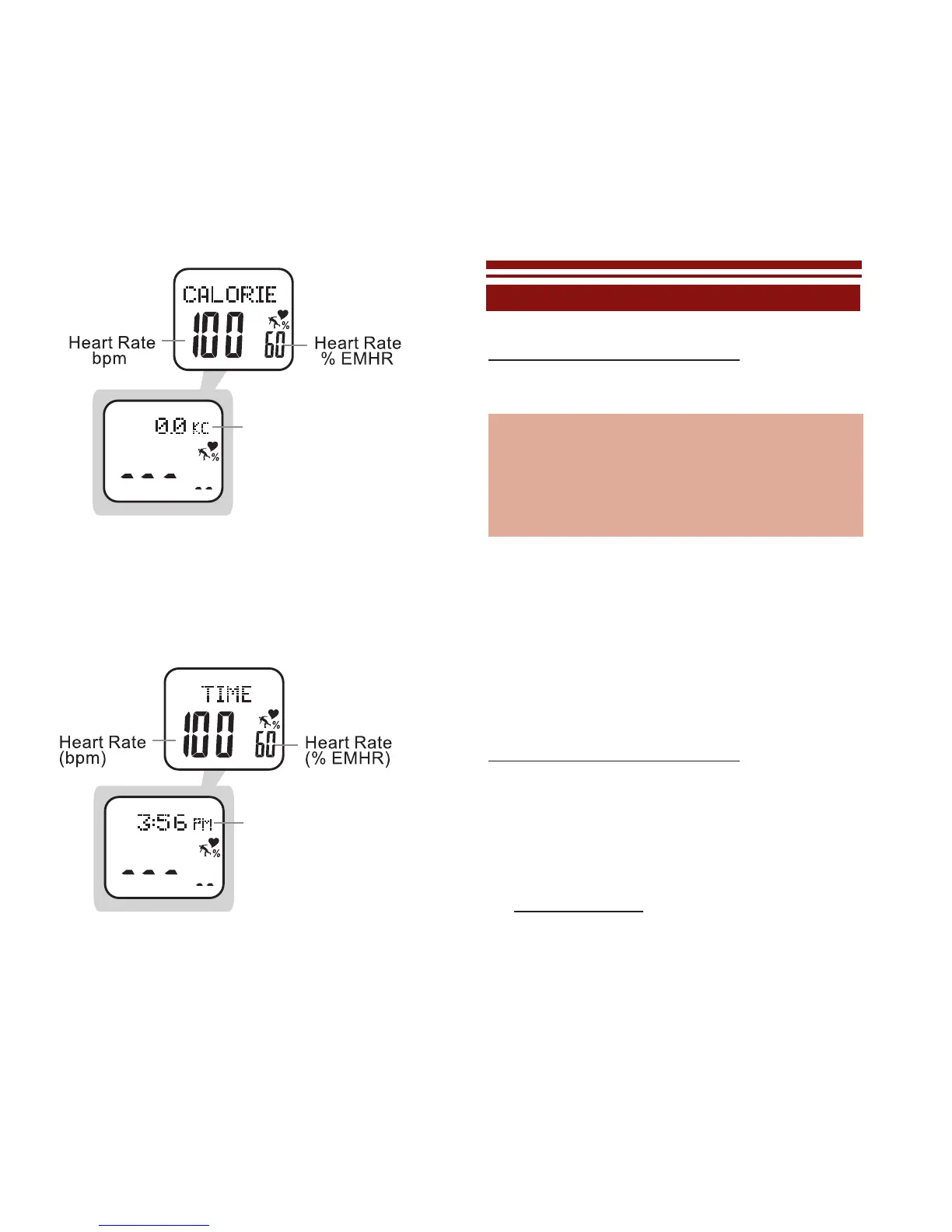
T
o View Time Of Day in Exercise Mode: See
fig.15
While in Exercise Mode:
• PRESS MODE to scroll TIME display
• PRESS LAP/RESET to exit Exercise Mode
EXERCISE SETTINGS MENU
HOLD MODE FOR 3 SECONDS in Exercise
Mode to access the Exercise Settings Menu
Memory Save/Clear: 1 of 5
Exercise History: 2 of 5
Exercise Schedule: 3 of 5
Pedometer Setting : 4 of 5
Heart Rate Setting : 5 of 5
Note: the ve menu selections are also accessible
through the MAIN SETTINGS MENU
Memory Save/Clear: 1 of 5 See fig.16
Your Accelerator watch makes it easy to save
or delete any current exercise data that has
been recorded in exercise mode. See the
following to save or clear current data
HOLD MODE FOR 3 SECONDS in Exercise
Mode to access the Exercise Settings Menu
• PRESS MODE to enter Memory Save/
Clear: 1 of 5
• Press MODE to scroll through the various
saving/clearing options:
Save this event = saves data currently
fig.15
fig.14



 To Next Page