We introduced setting PTZ parameters previously in section 5.3.6.2 – PTZ Set. Here
we will discuss how to operate PTZ controls.
Click the [ ] icon to enter into [PTZ control] menu shown as Picture5-60. Now
user can control the camera with Pan, Tilt and Zoom capabilities.
Click [Zoom-/+] button to zoom in / out the image; Click [Focus -/+] button to focus
the image; Click [Iris -/+] button adjust iris to open or close.
Cruise Set
Open auto cruise function on PTZ setting menu if you want to setup cruise function
(system default: off), and set up cruise channel, cur point and total quantity and stop time
etc
How to set pre-set point
Total: set up pre-set point quantity
Cur Point: indicates starting point cruised. System default point is 01. The model
support up to 255 pre-set points.
Stop time: sets the stop time at each point
GOTO: allow you go to a specific preset point.
Set: allow you set a set of specific preset points of a PTZ camera.
1. Select a camera you desire to set a preset point;
2. Adjust the camera in a desired direction;
3. Click [Set] to set the point as preset point;
4. Click [Save] to save the preset point;
5. Follow the above step to add one more preset point.
Save: save all the preset points
Clean: allow you delete one selected preset point.
Note: Up to 254pre-sets per one camera can be stored. However, actual preset
quantity differs depending on PTZ performance.
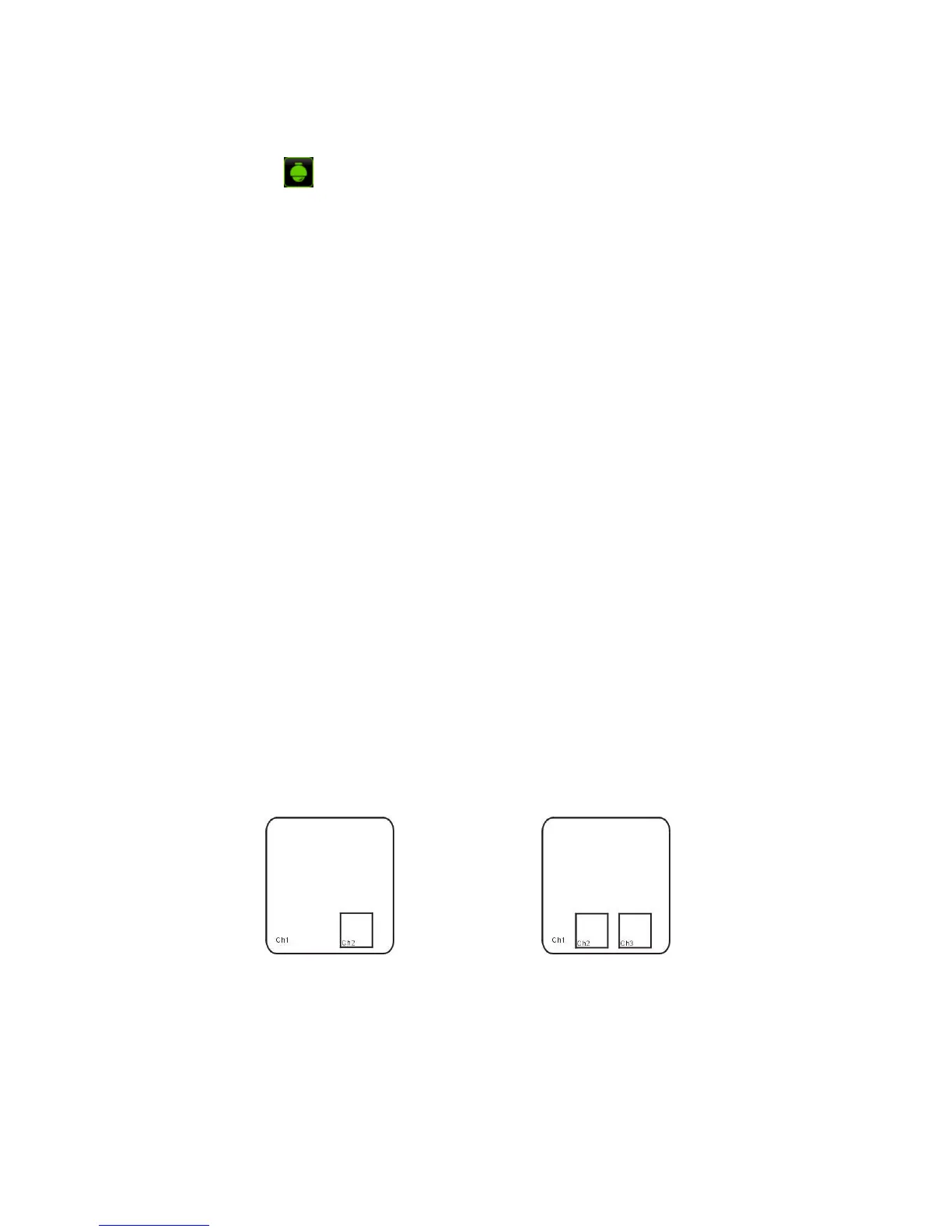
5.7 PIP Mode
You can display a Picture-in-Picture in live mode. PIP has two display modes, including
1X1 display mode and 1X2 display mode.
5.8 Record search
You could enter into [Record Search] menu from Pop-up menu conveniently and quickly
and search/playback the record histories. We introduced Record search details previously in
Section 5.3.3.1.



 To Next Page