6.3.1.3
6.3.1.36.3.1.3
6.3.1.3
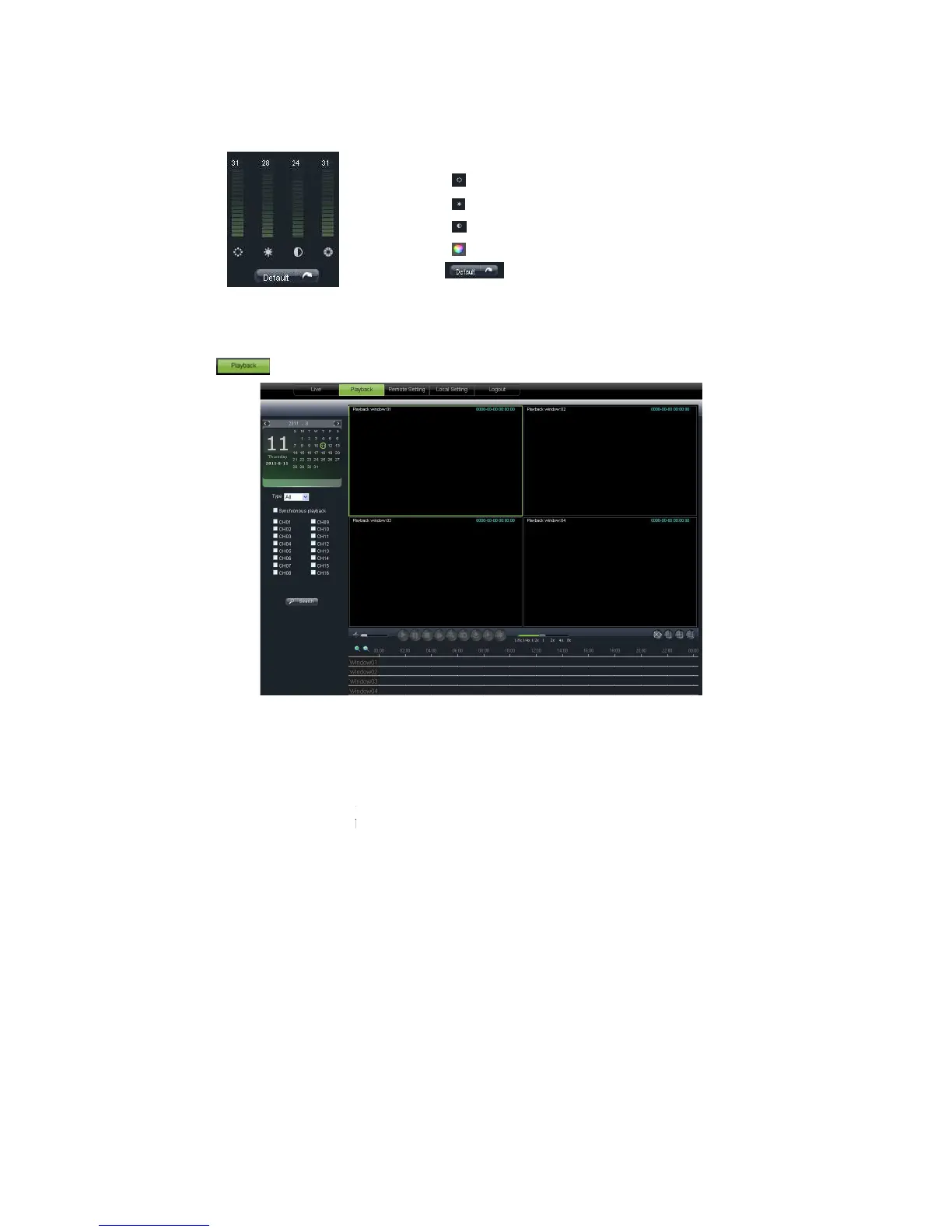
Picture 6-6
6.3.2 Playback
Click [
] icon to enter into <playback> interface shown Picture 6
The Web Application Manager supports
6.3.2.1
6.3.2.16.3.2.1
6.3.2.1
one day you want to check and tick
channels you desire to playback shown as Picture 6
] icon to enter into <playback> interface shown Picture 6
The Web Application Manager supports
up to 4 channels playback
one day you want to check and tick
select <synchronous Playback> and the
channels you desire to playback shown as Picture 6
-8
:Adjust video Hue;
:Adjust video brightness;
:Adjust video Contrast;
:Adjust video saturation;
:Recover ex-
select <synchronous Playback> and the



 To Next Page