Chapter 6: Web Application Manager
6.1 Plug-in download and installation
Open your web browser and input the IP address and web port of DVR, such as:
http://172.18.6.202:8080/ . If your computer is connected to internet, it will download and install
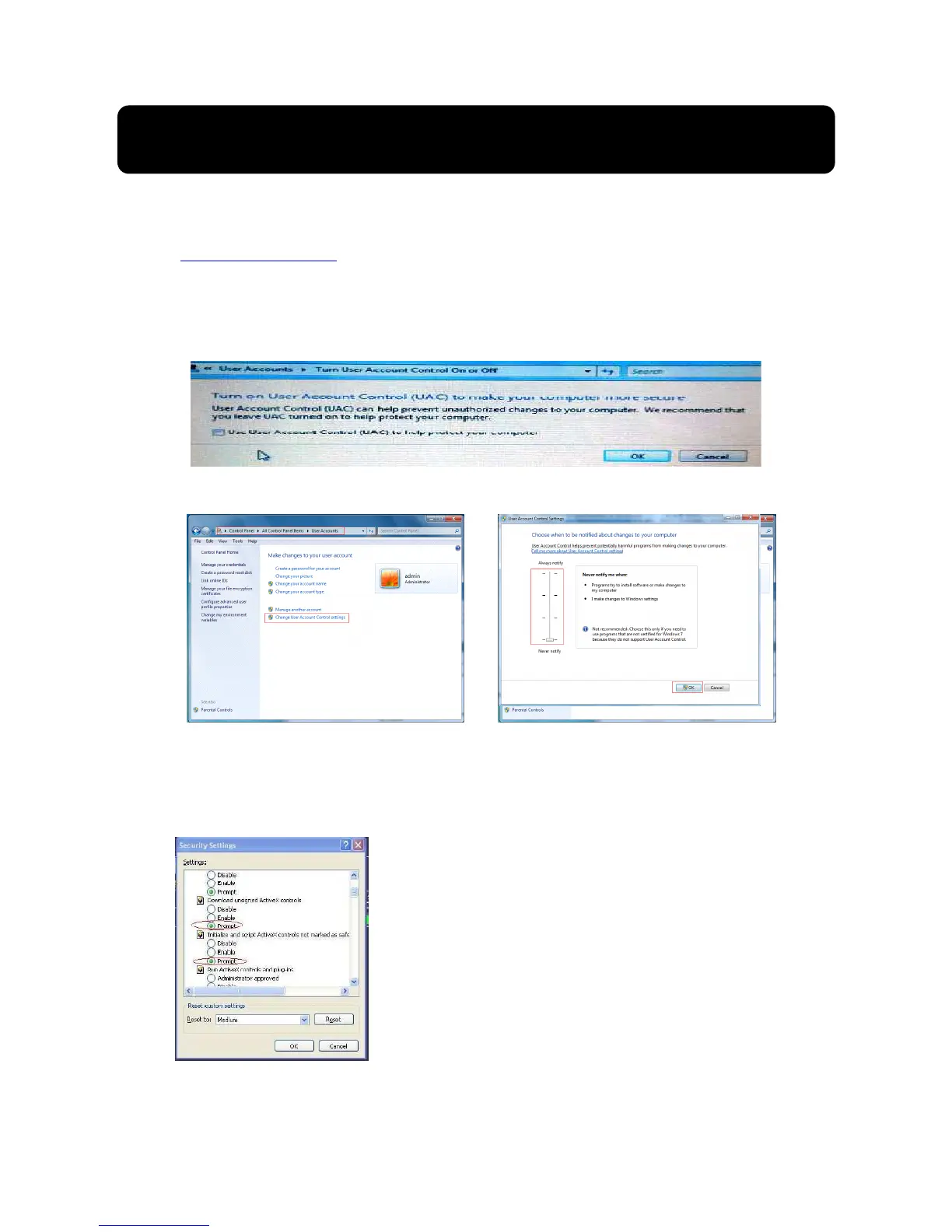
“ActiveX” Plug-in automatically. If your computer system is Vista, you may need to setup the
user authority. Details please refer to the below picture: Start →setup→ control panel (Tick
“√” use UAC to help protect your computer and confirm OK).
Vista system:
Vista
Win-7 system:
Reminder: If the plug-in program is not downloaded successfully, please check if your
browser’s safety level or firewall setting is too advanced. Please run IE →Tools→Internet
options→Internet Custom level→Enable the options (details please refer to the below
Picture 6-2).
Picture 6-1
If running the web application for the first time, you
need about one minute to finish download and install
plug-in, please wait patiently.
Note: If you want to use the undated webcam
at one computer which you already login before,
please delete the old IE webcam and click
[StartRun] to input the command characters:
“regsvr32/u HiDvrOcx.ocx”, then login again.



 To Next Page