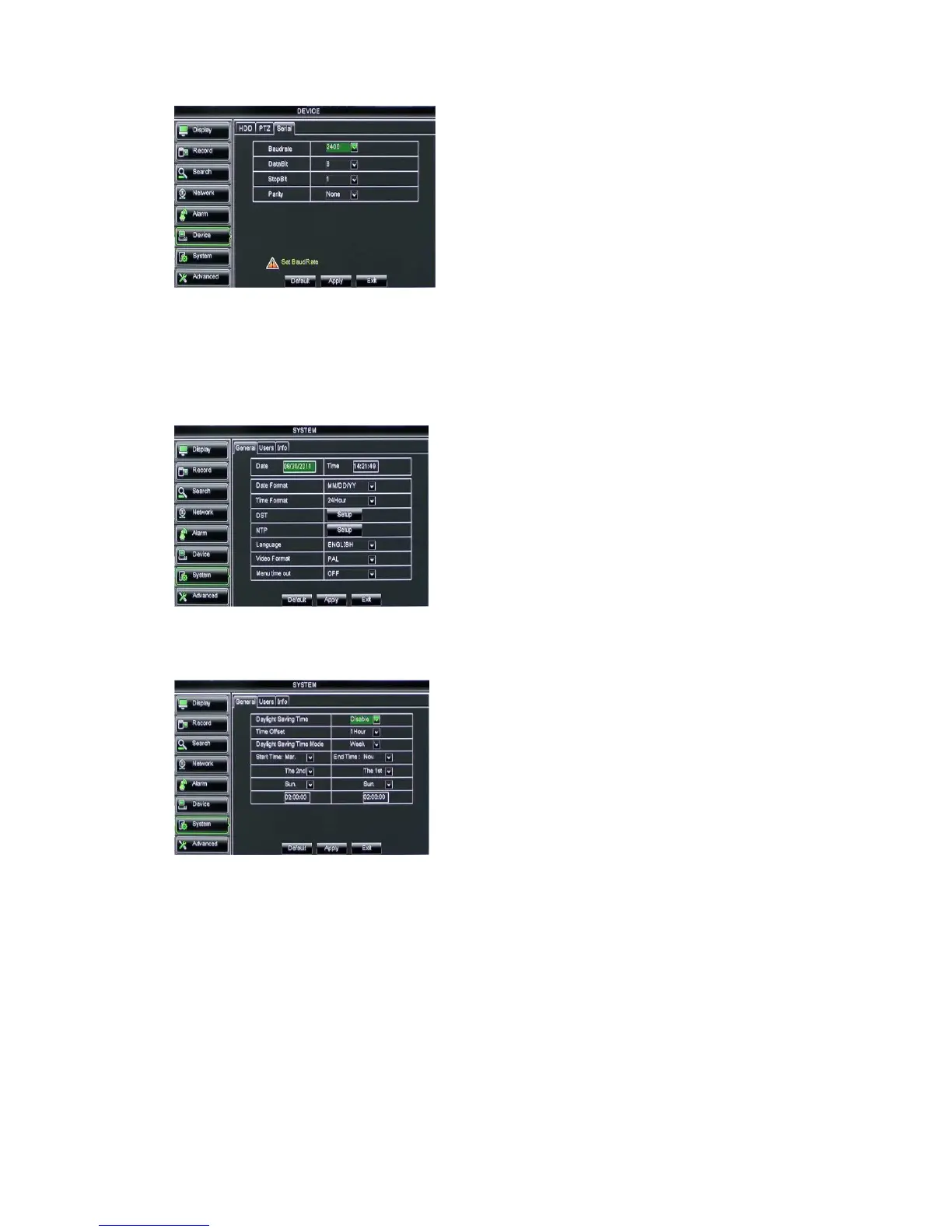
Picture 5-46
5.3.7 System
5.3.7.1 General
Click [Main MenuSystemGeneral] to enter into the interface shown as Picture 5-47
Picture 5-47
5.3.7.2 DST Set
Picture 5-48
5.3.7.3 Network Time Protocol (NTP) Service
Click [Main menuSystemGeneralNTP] to enter into the interface shown as Picture 5-49
Enter into the interface shown as Picture 5-48
and you are allowed to set DST status and mode.
When operate DVR via keyboard, it is required to set
communication protocol.
Baud rate: set baud rate of serial
communication.
Data bit: set data bit of serial communication.
Stop bit: set stop bit.
Parity Check: set parity check to <None> or
other.
You will be allowed to modify system date,
time, date/time format, language, video format
and auto logout.
And click [DST Setup] button to enter
into the below interface shown as Picture 5-48.



 To Next Page