message shown as Picture 6
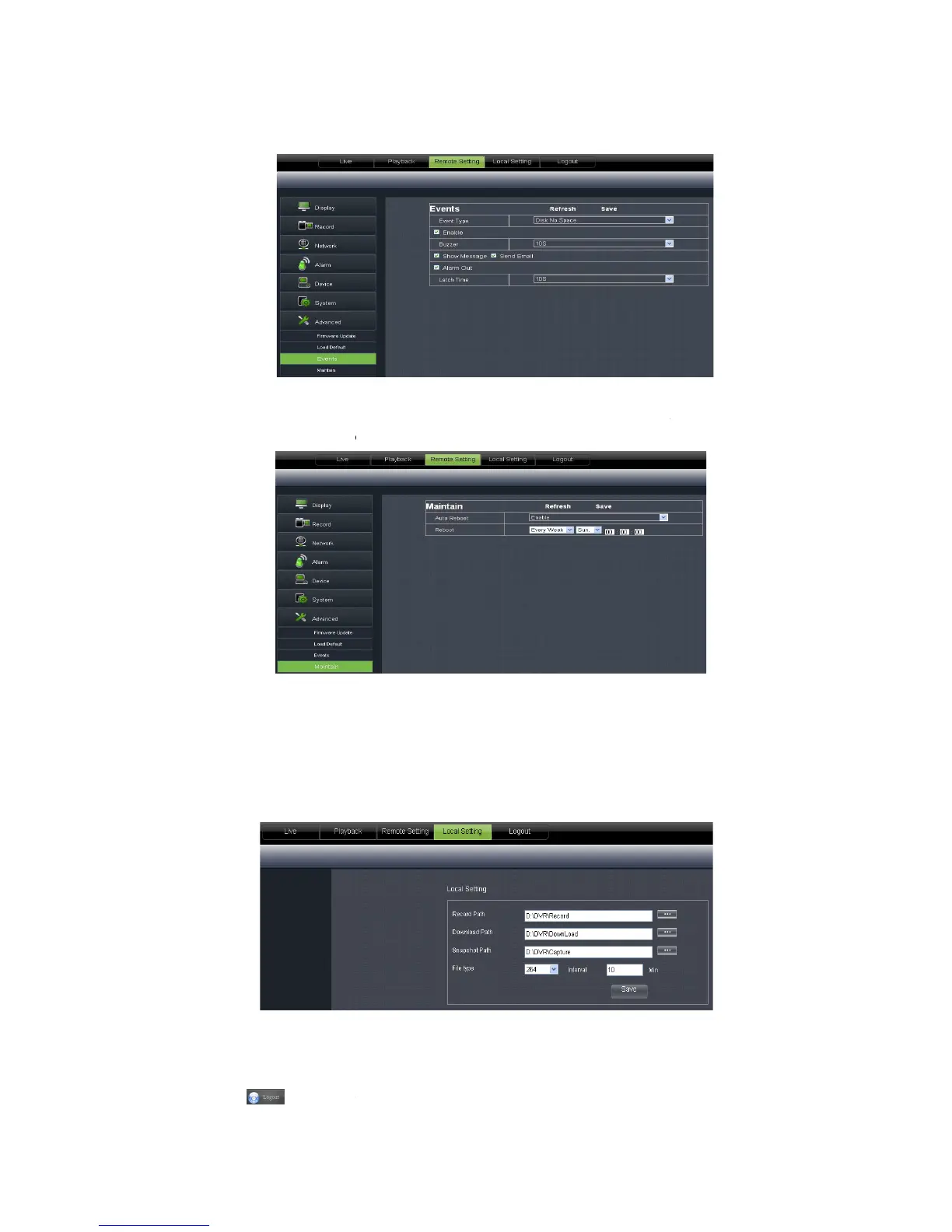
Maintain: allow you set auto system maintain for DVR remotely shown as Picture 6
g should be consistent with DVR local setting.
Under <Local setting> option, user could set record path of record file (Live record and
Playback clip file), download path of remote file, Snapshot path, File type (H.264
Internal shown as Picture 6-
] icon to return back the log
abnormal type, buzzer output time,
message shown as Picture 6
etails setting should be consistent with DVR local setting.
Maintain: allow you set auto system maintain for DVR remotely shown as Picture 6
g should be consistent with DVR local setting.
Under <Local setting> option, user could set record path of record file (Live record and
Playback clip file), download path of remote file, Snapshot path, File type (H.264
] icon to return back the log
-in interface.
User Manual
etails setting should be consistent with DVR local setting.
Maintain: allow you set auto system maintain for DVR remotely shown as Picture 6
Under <Local setting> option, user could set record path of record file (Live record and
Playback clip file), download path of remote file, Snapshot path, File type (H.264



 To Next Page