consistent with DVR local s
local setting.
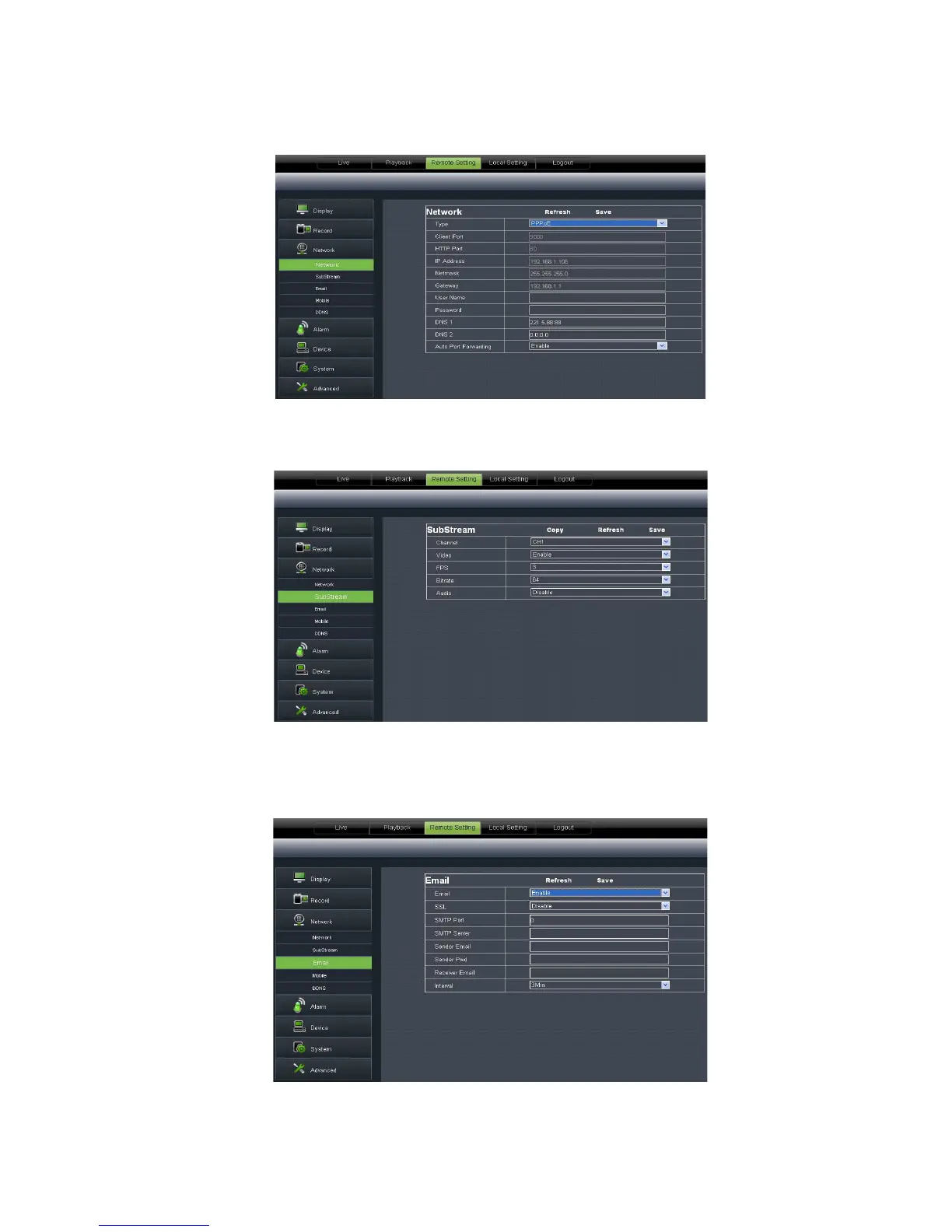
3、 Email setting:
Click [Email setting] option to allow you set alarm email configuration
parameters shown as Picture
20. Its user name and password should be
consistent with DVR local s
21): Relative parameters should be consistent with DVR
Click [Email setting] option to allow you set alarm email configuration
parameters shown as Picture
. Detailed parameters should be consistent with DVR local
20. Its user name and password should be
21): Relative parameters should be consistent with DVR
Click [Email setting] option to allow you set alarm email configuration
. Detailed parameters should be consistent with DVR local



 To Next Page