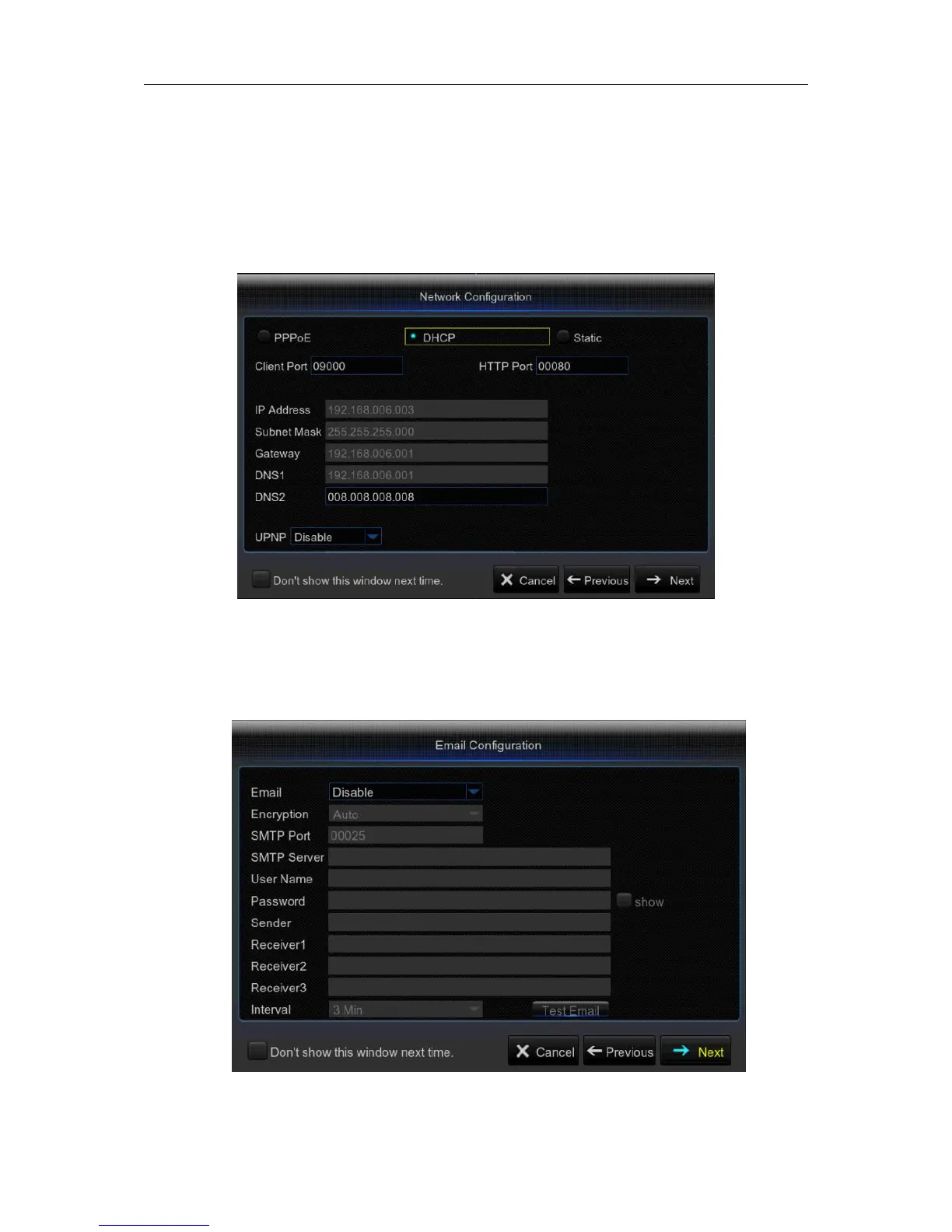
3) Network Configuration
This menu allows you to configure network parameters, such as PPPoE, DHCP, Static. The most
common types are DHCP or Static. Most probably your network type is DHCP, unless the network
is manually addressed (usually called- Static). If you need an authentication user name and
password to the Internet, then choose PPPoE.
4) Email Configuration
This menu allows you to configure email settings. Please complete these settings if you want to
receive the system notifications on your email when a motion is detected, HDD becomes full, HDD
is in error state, or Video Loss occurs, etc.



 To Next Page