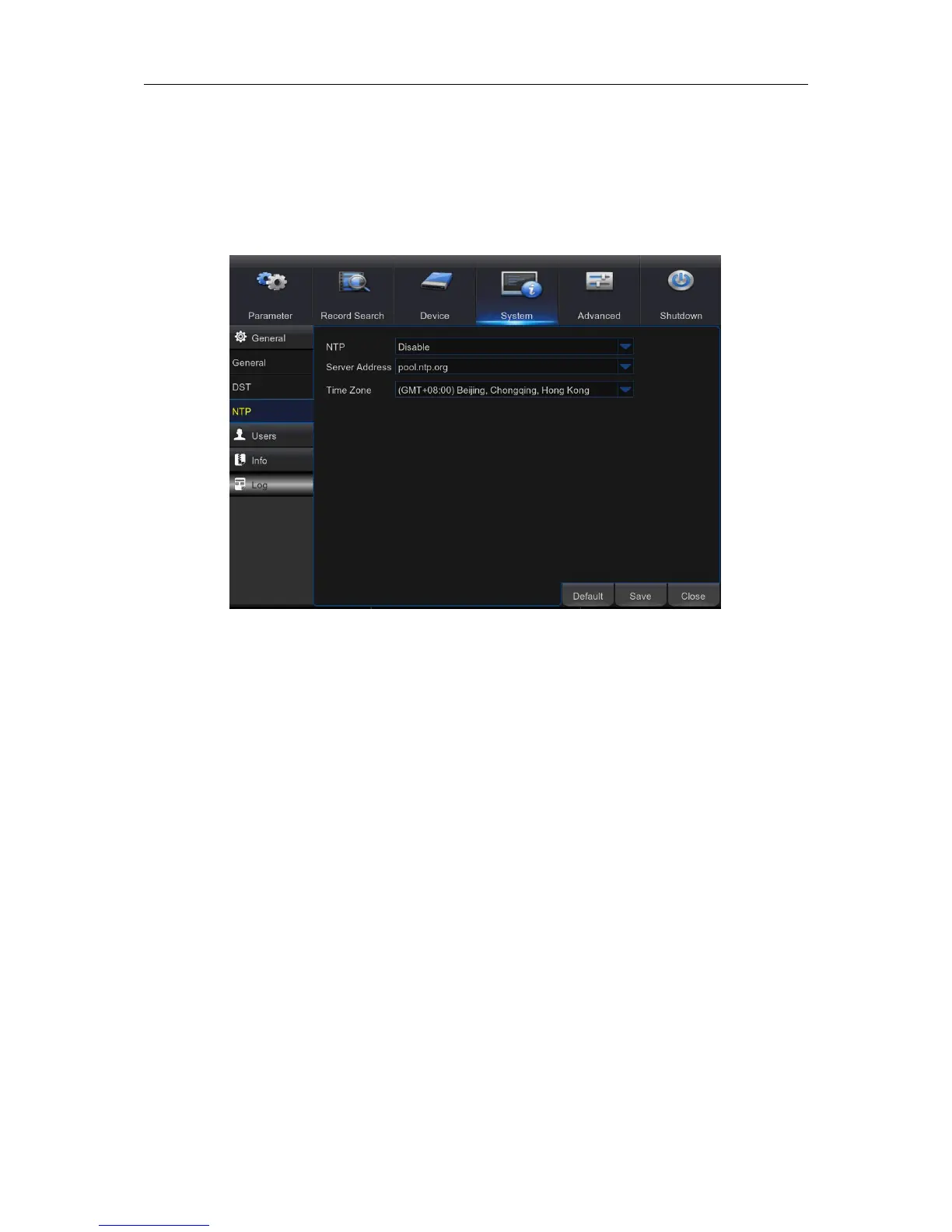
5.9.3 NTP
NTP stands for Network Time Protocol. This feature allows you to synchronize the date and time
automatically on the WIRELESS NVR over Internet. Therefore the WIRELESS NVR needs to be
connected to the Internet.
NTP: Enable if you want the WIRELESS NVR to update the date and time automatically.
Server Address: Select the NTP (Network Time Protocol) server.
Time Zone: Select the Time Zone in your location.
Update Time: Click here to update the system date and time immediately.



 To Next Page