EasyManua.ls Logo

TECHVIEW QV-3162 - Chapter 4 WIRELESS NVR Starting up; 4.1 Startup Wizard

TECHVIEW QV-3162
66 pages
Print Icon
To Next Page IconTo Next Page
To Previous Page IconTo Previous Page
Loading...
USER MANUAL
8
Chapter 4 WIRELESS NVR Starting up
4.1 Startup Wizard
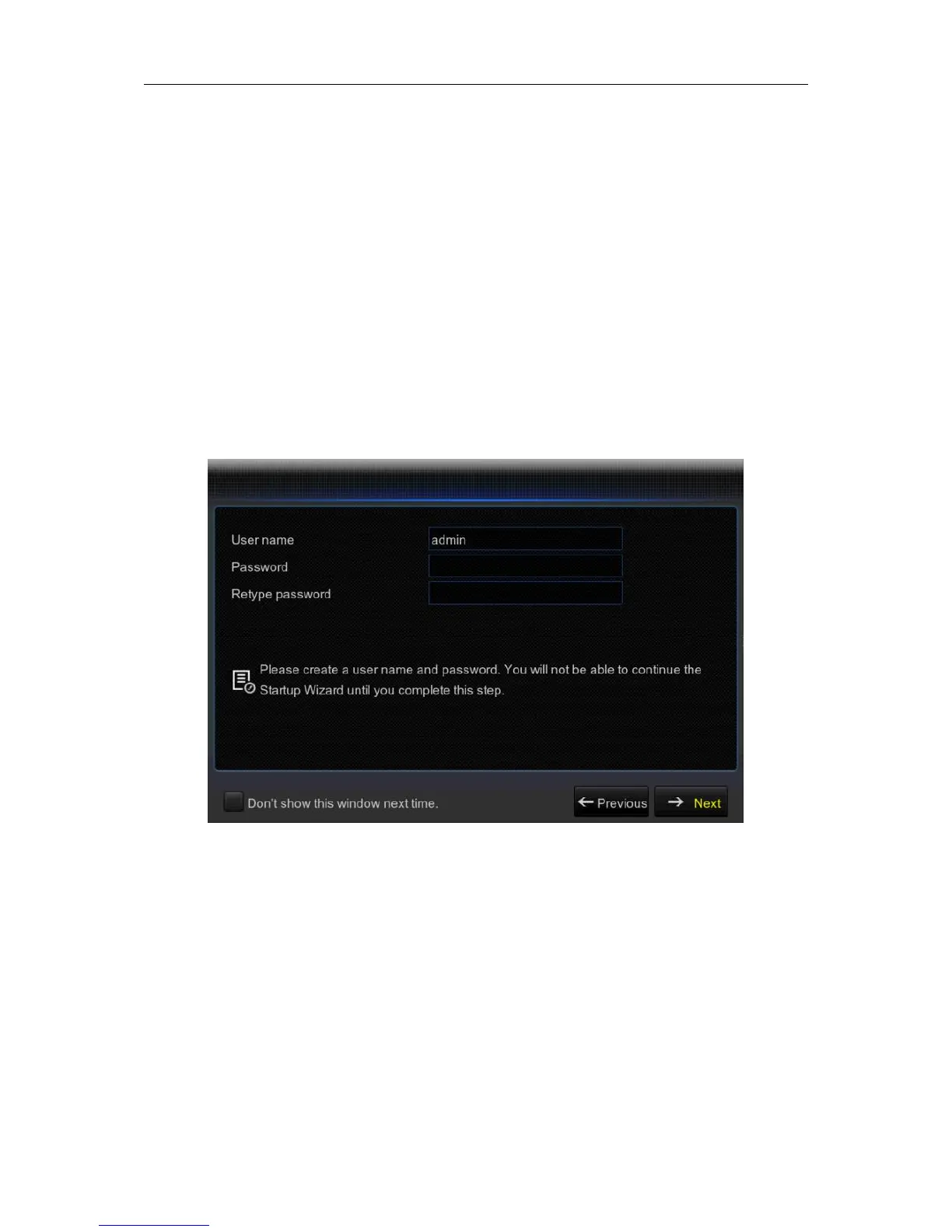
After WIRELESS NVR startup is completed, the Startup Wizard will be displayed. Wizard setting
menu includes: Set Admin Password ,Homepage, HDD Management, Network Configuration,
Email Configuration , Record Schedule and General System Configuration.

1).Set Admin Password: Please create a user name and password for your device.