To make sure all settings are correct, click Test Email. The system sends an automated email
message to your inbox. If you received the test email, it means the configuration parameters are
correct.
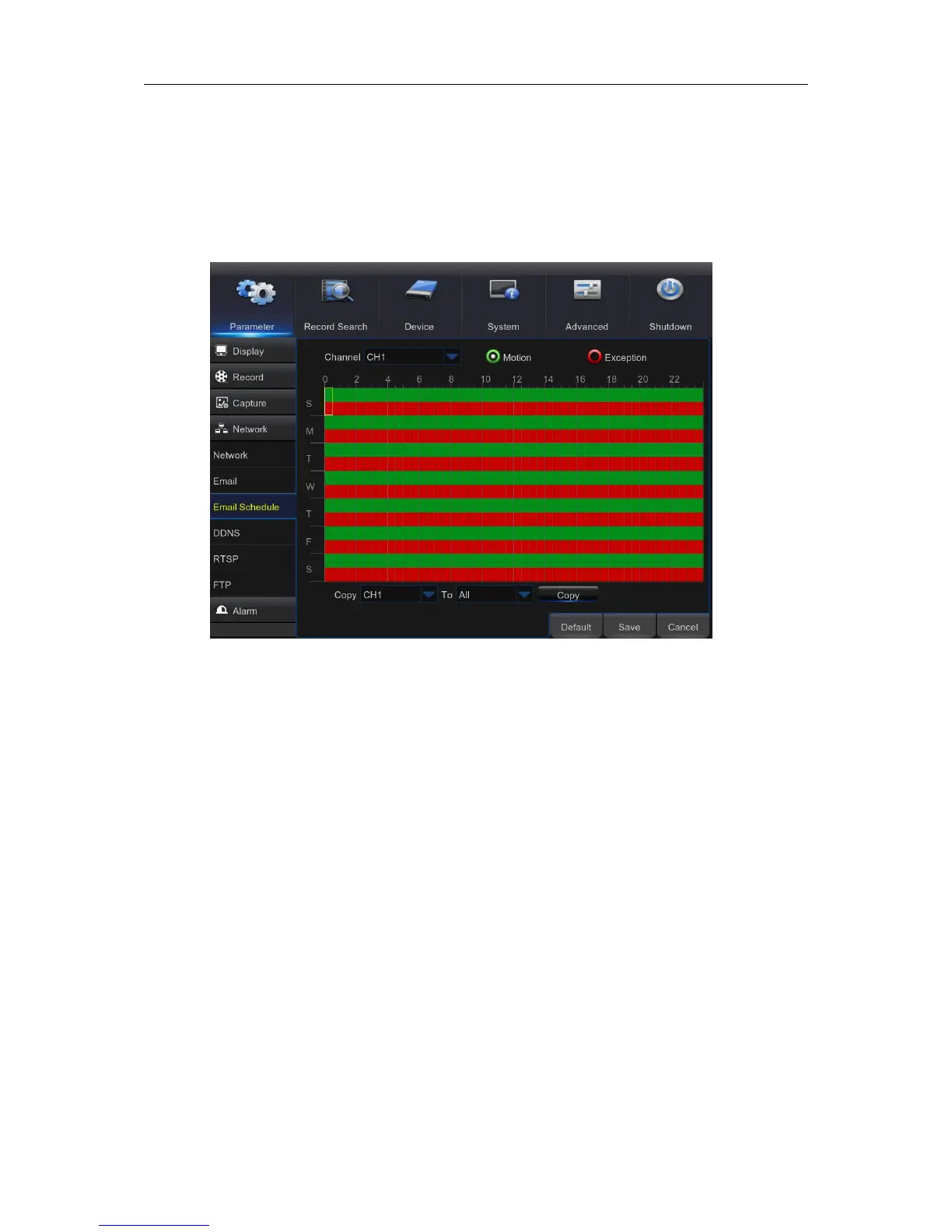
5.5.3 E-mail Schedule
The color codes on email schedule have the following meanings:
Green: Slot for Motion.
Red: Slot for Exception (HDD full, HDD error, or Video Loss).



 To Next Page