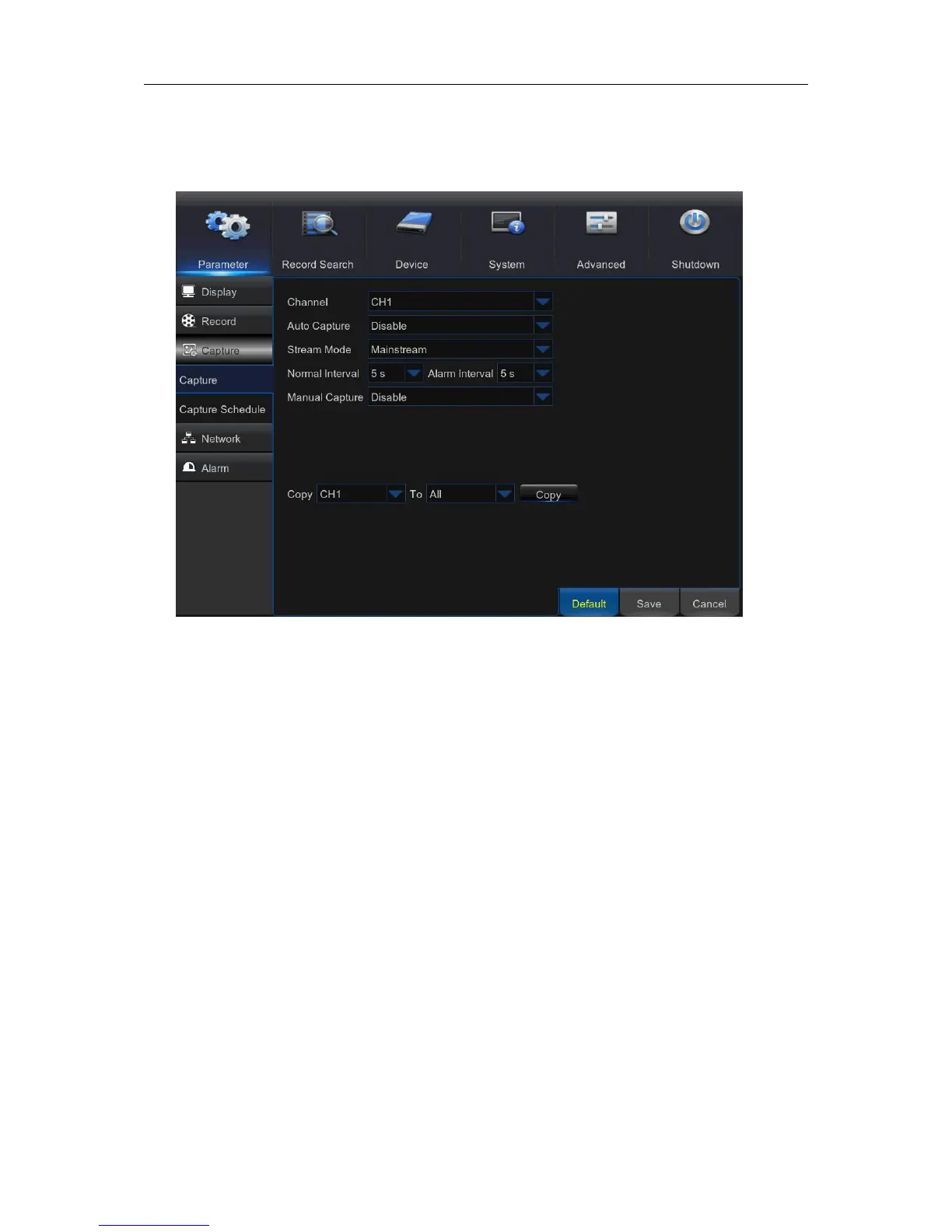
5.4 Capture
This menu allows you to configure the snapshot capturing parameters.
Channel: Select the channel to set its capture parameters.
Auto Capture: Enable or disable automatic capturing on the channel. When this feature is
enabled, you can select the snapshot capturing interval.
NOTE: When the Auto Capture is enabled, you can select the image capturing interval.
Stream Mode: Select the image resolution.
Normal Interval: Snapshots are captured based on normal interval.
Alarm Interval: Snapshots are captured based on alarm interval only when a motion is detected.
Manual Capture: Enable or disable manual capturing on the channel.



 To Next Page