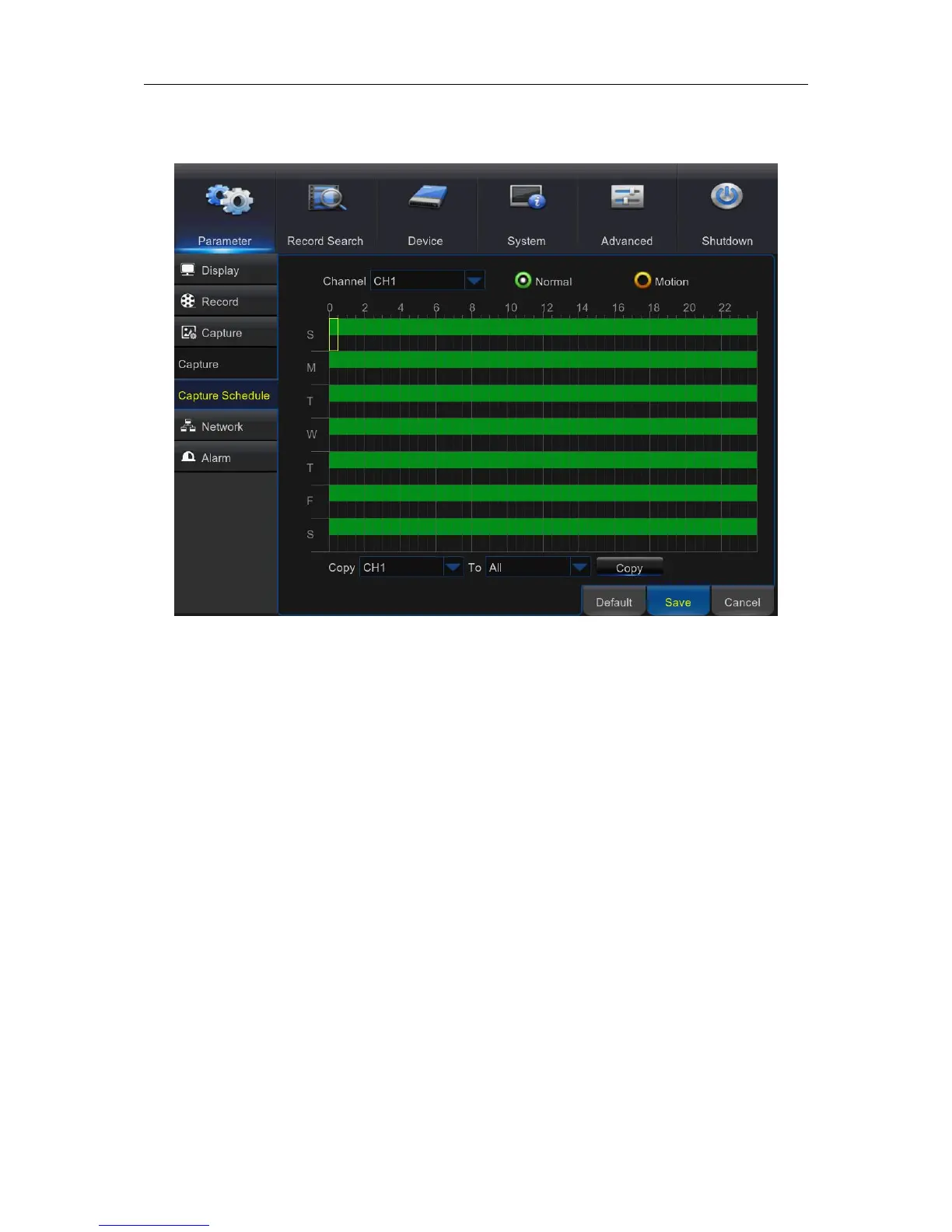
Capture Schedule
Channel: Select the channel to set its snapshot capturing schedule.
Normal: When the time slot is marked green, this indicates the channel is capturing snapshots
based on the Normal Interval.
Motion: When the time slot is marked yellow, this indicates the channel is capturing snapshots
based on Alarm Interval only when a motion is detected.
No Capturing: A time slot marked black means that there is no snapshot capturing scheduled for
the time slot.



 To Next Page