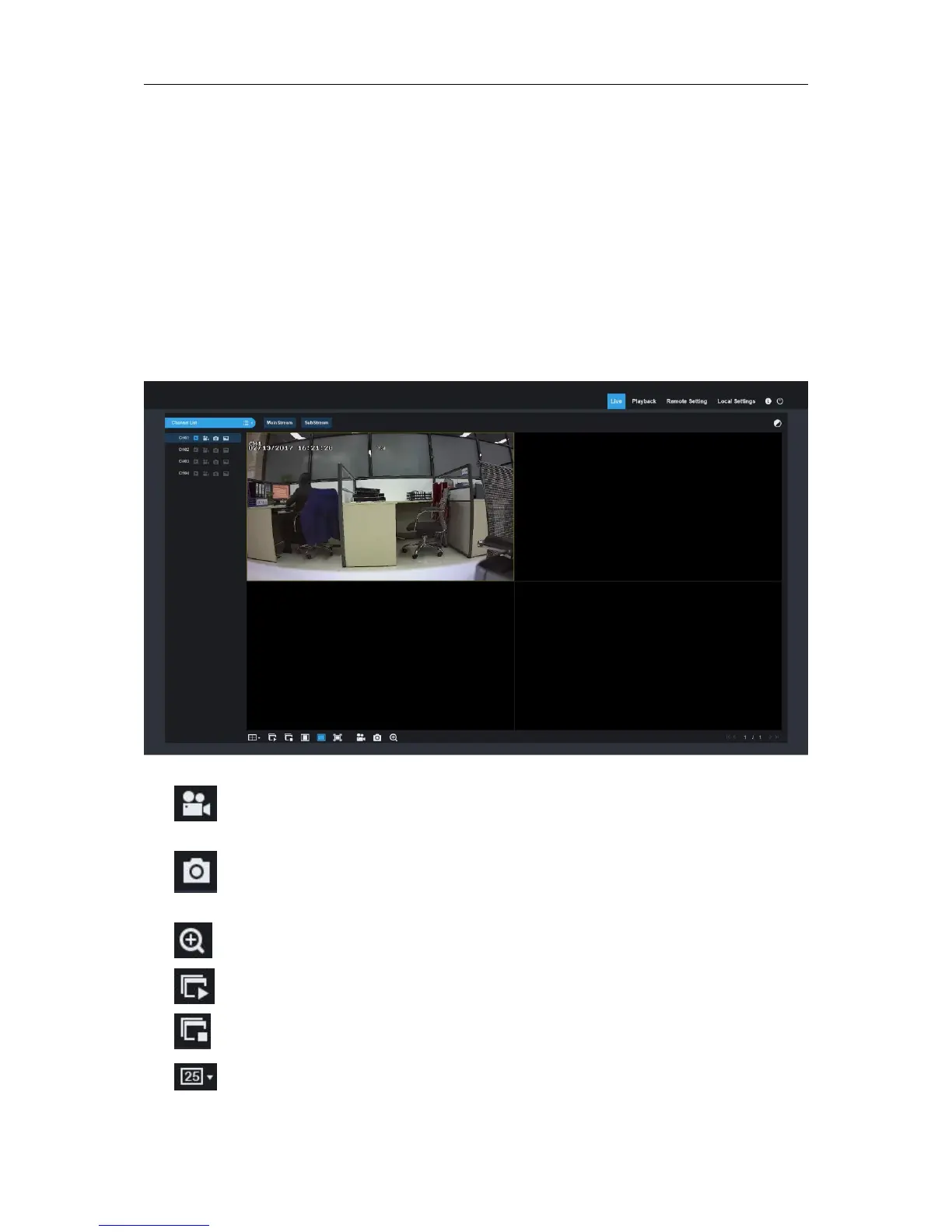
6.2.1 Live Interface
This is the first screen that opens after you have logged in to the Web Client. Here you can open or
close live preview, record video to local computer manually, take snapshots of the screens, color
adjustment,
etc.
: Record switch: the remote record switch of client. Record will be automatically saved
to a specified position on PC after the function is enabled.
: Snapshot: Capture the selected live image and save it to a specified position on PC.
The image is saved as *.bmp format.
:Digital ZOOM.
: Open the images on Live window.
:Close all the Live channels
: Switch display mode in channel window



 To Next Page