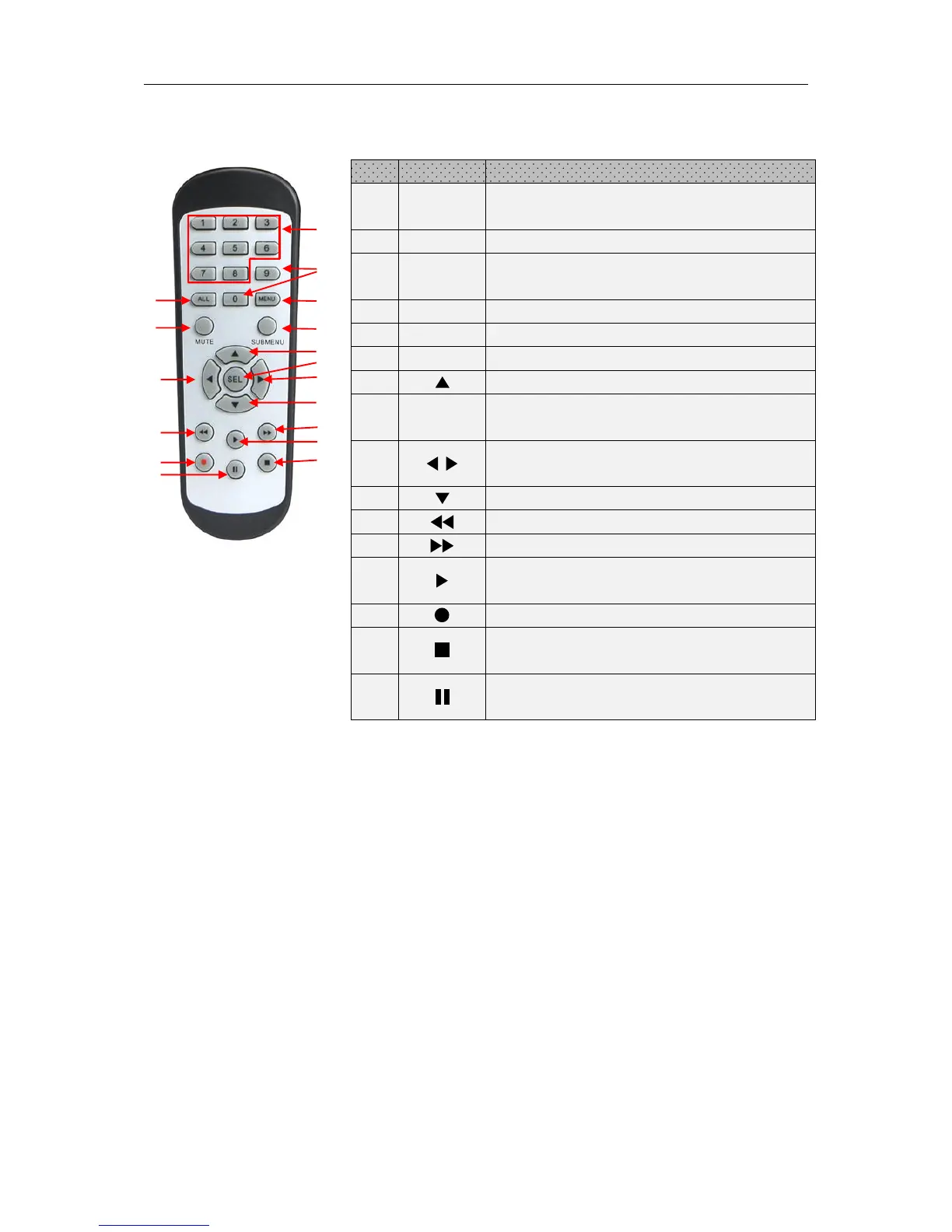
1.2 Remote Controller (For Reference Only)
Numeric keys
Press to display channel 1~8
Press to display all channels
Multiple display mode
Press to enter or exit the Main Menu
Mute On/off (not support this function)
Up arrow key; Volume increase
Press to enter the selected menu item and
edit the setting
Left/Right key; Decrease/increase parameter
value of control bar.
Down arrow key; Volume decrease
Press to rewind during video playback
Press to fast forward during video playback
Press to play recorded video or enter the
recording search menu
Press to start manual recording
Press to stop manual recording or stop the
video playback
Press to pause the video playback or enter
frame-playback mode



 To Next Page