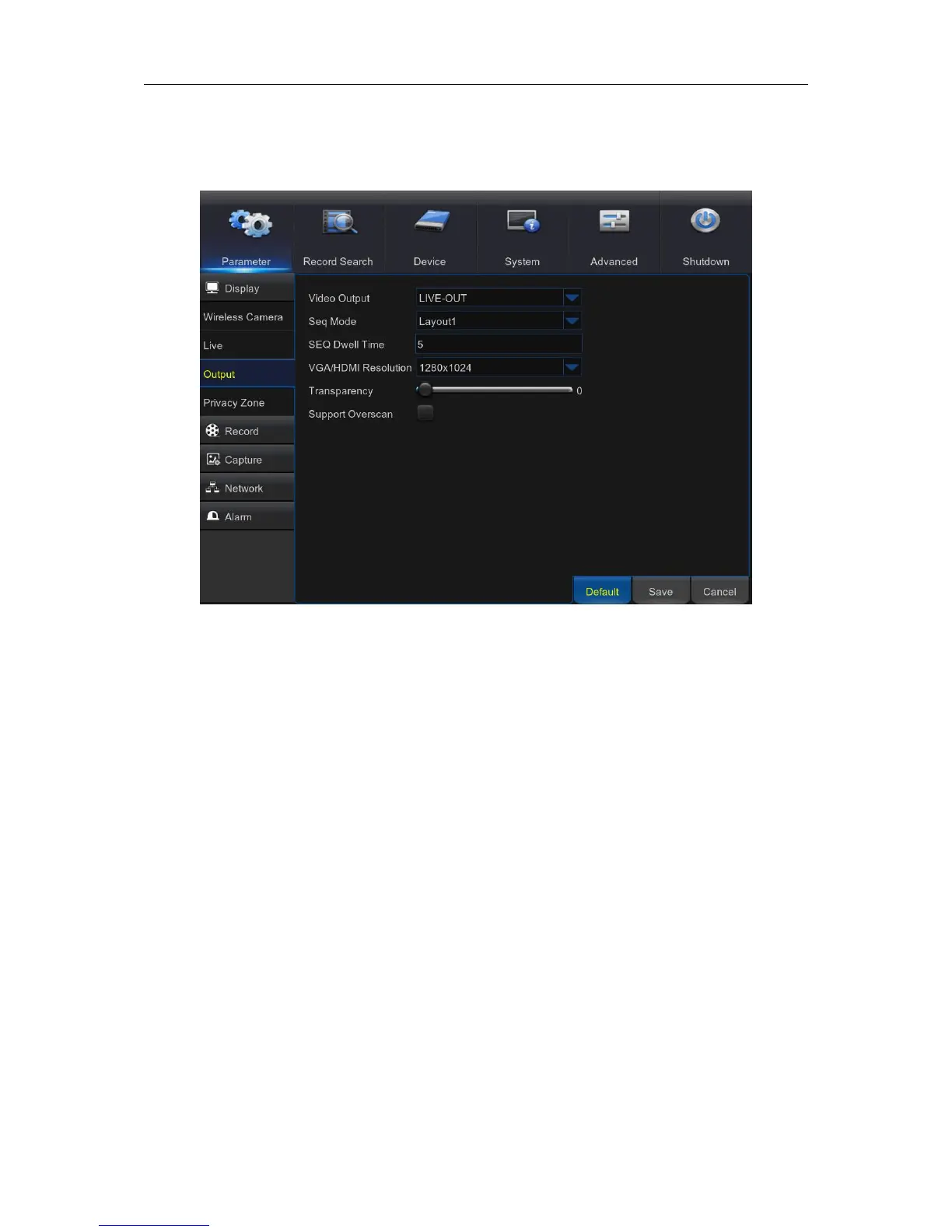
5.2.2. Output
This menu allows you to configure video output parameters
Video Output: This is the monitor that you use for live view display.
Sequence Mode: Choose your favorite layout from the drop-down menu for viewing channels in a
sequence on live view.
SEQ Time: Set how long you want the live view from a channel to be displayed in a sequence.
VGA/HDMI Resolution: Select the highest resolution your monitor/TV supports. The higher the
resolution, the more details you will see on your images. The WIRELESS NVR will restart after you
change the resolution.
Transparency: Decide how transparent you want the menus to be. Choose partially transparent
(see-through) if you need to keep an eye on happenings while adjusting settings.
Support Overscan: Check to adjust the position of the video image on the live viewing screen.



 To Next Page