be sent. Click the link in the email and then log in to your dropbox account, and
click permit. DVR cloud storage function will be activated. If you have logged
in your dropbox account before Cloud storage activation, then no need to relogin.
Just click Permit to complete the activation. Please finish the activation
within 3 minutes. After activation is completed, you can use the Cloud storage
function.
7) Click the icon at the upper-left of dropbox account interface to view the folder
made in the 5th step.
8) Open the Dropbox folder to view the DVR captured pictures.
5.9 System
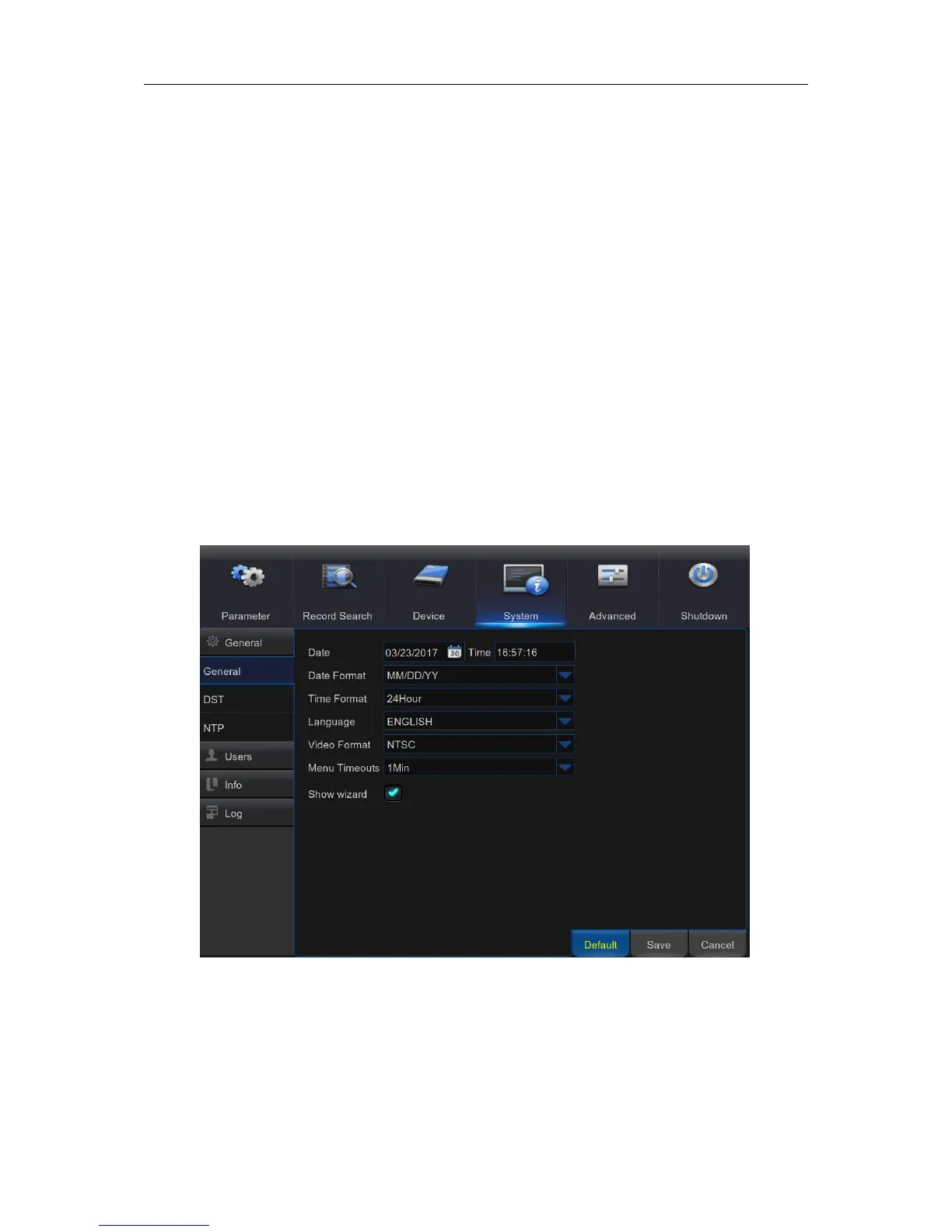
You are able to configure general parameters of the system, such as date and time, OSD
language, menu timeouts, DST, NTP, User Management, check system information & system log
here.
5.9.1 General
Date/Time: Enter the date and time manually.
NOTE: For date/time automation over the Internet, enable NTP.
Date Format: Set the date format here.
Time Format: Set the time format here.
Language: Choose the OSD language.



 To Next Page