Double-click on the channel on the exit from the menus. Live
Viewing screen to view the channel in full screen mode.
Double-click again to exit the full screen mode.
Click and hold to drag an area on motion mode or adjust the
values of sliders and scales on menu mode.
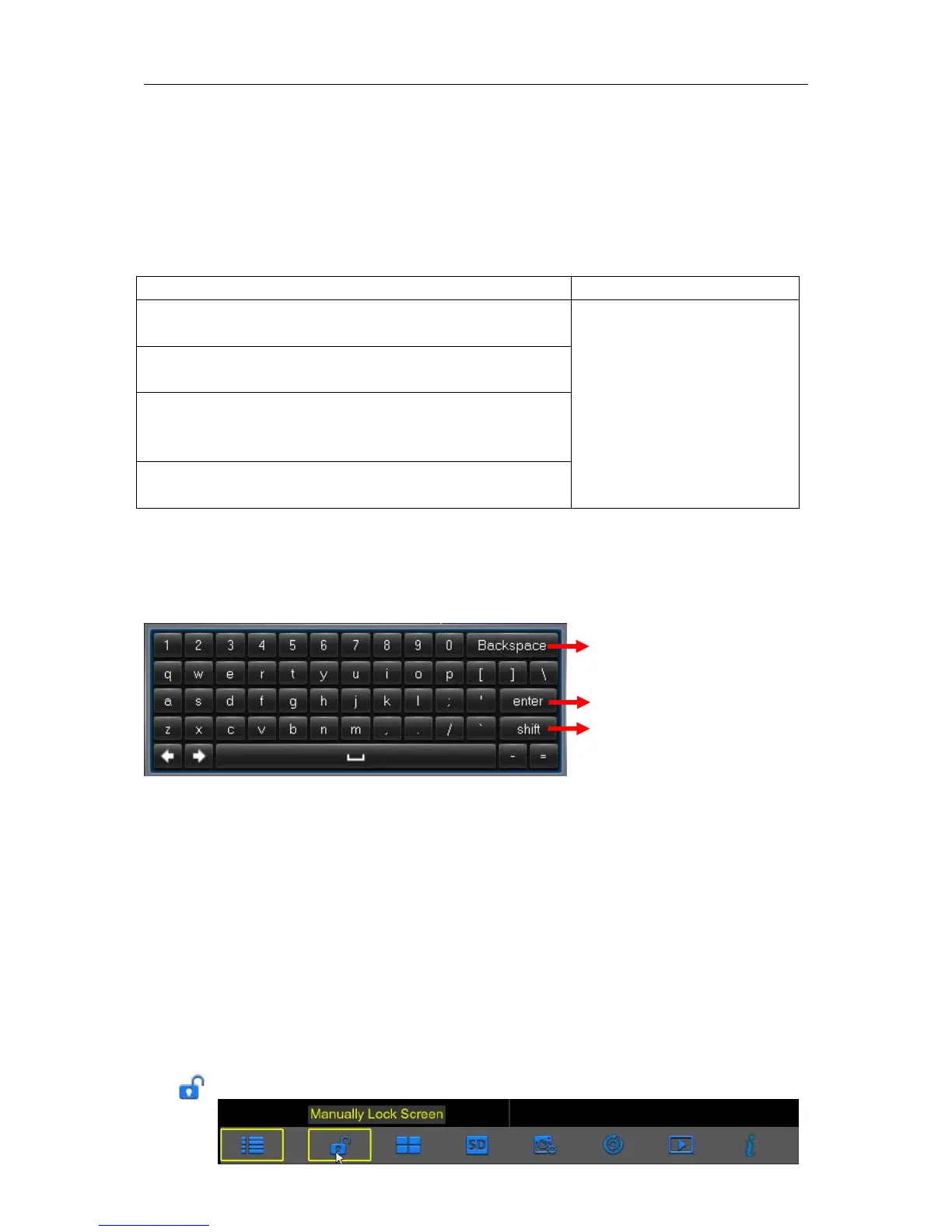
3.2 Using the Virtual Keyboard
You will see the virtual keyboard automatically on the screen anytime you need to enter data
0
3.3 Password & Locking the Screen Operation
When you run the WIRELESS NVR for the first time, you will be required to set your password
immediately in order to protect your privacy. Please be sure to record your username and
password and save them in a secure place. If you forget your password, you will be unable to login
the system, please contact your reseller to reset the password.
The screen will be locked to protect unauthorized OSD operation while the WIRELESS NVR is not
in menu operation for a while. If necessary, you can also lock the screen operation manually. To do
so, right-click on the Live Viewing screen to make the Pop-up menu bar visible, then click the Lock
icon .



 To Next Page