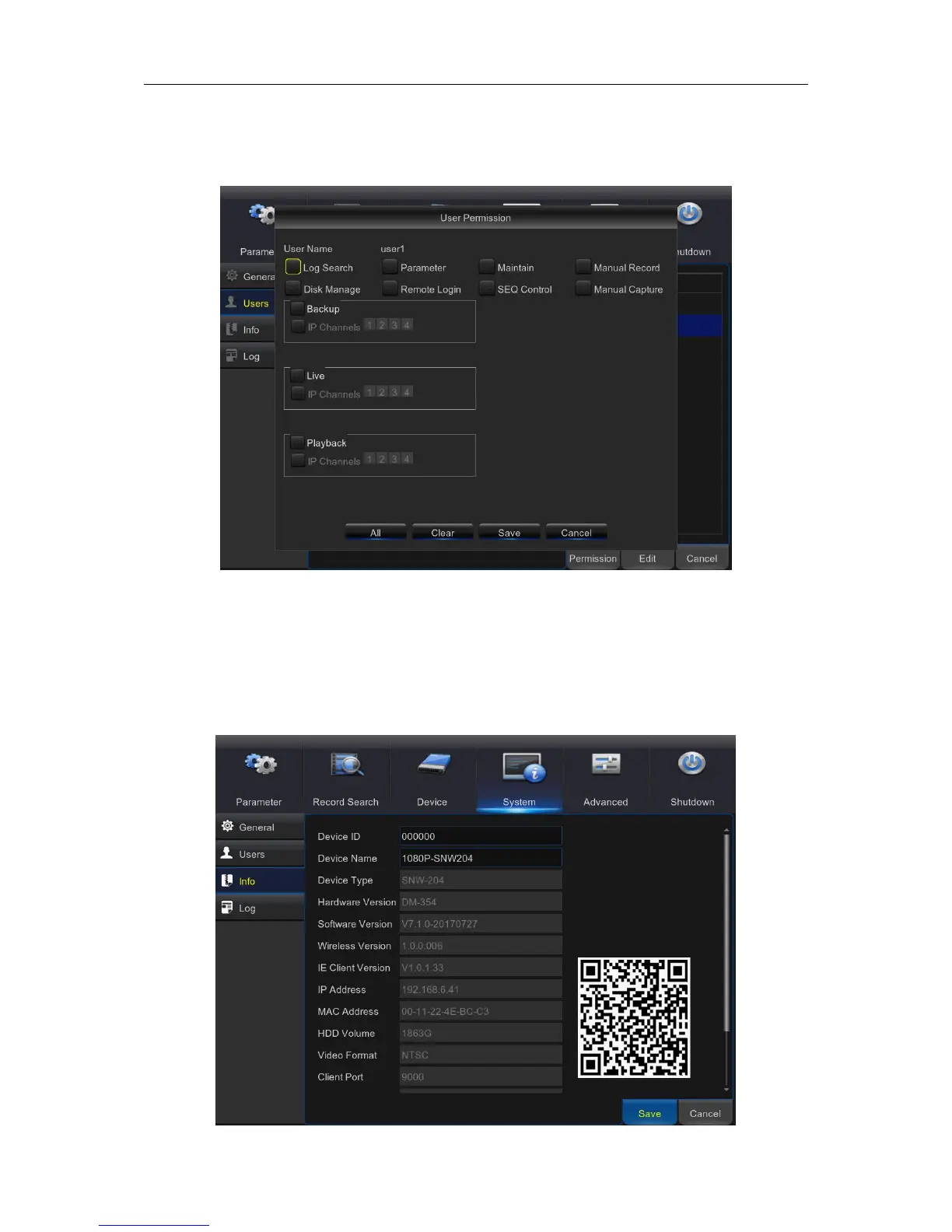
Permission: To modify user access permissions, click on the user account you wish to modify,
then click Permission. The user in Admin level has all permissions to the system. After modify the
permissions, click Save to save the modifications.
5.9.5 Info
This menu allows you to view the summary of the system, channel information & record
information



 To Next Page