5.2 Display
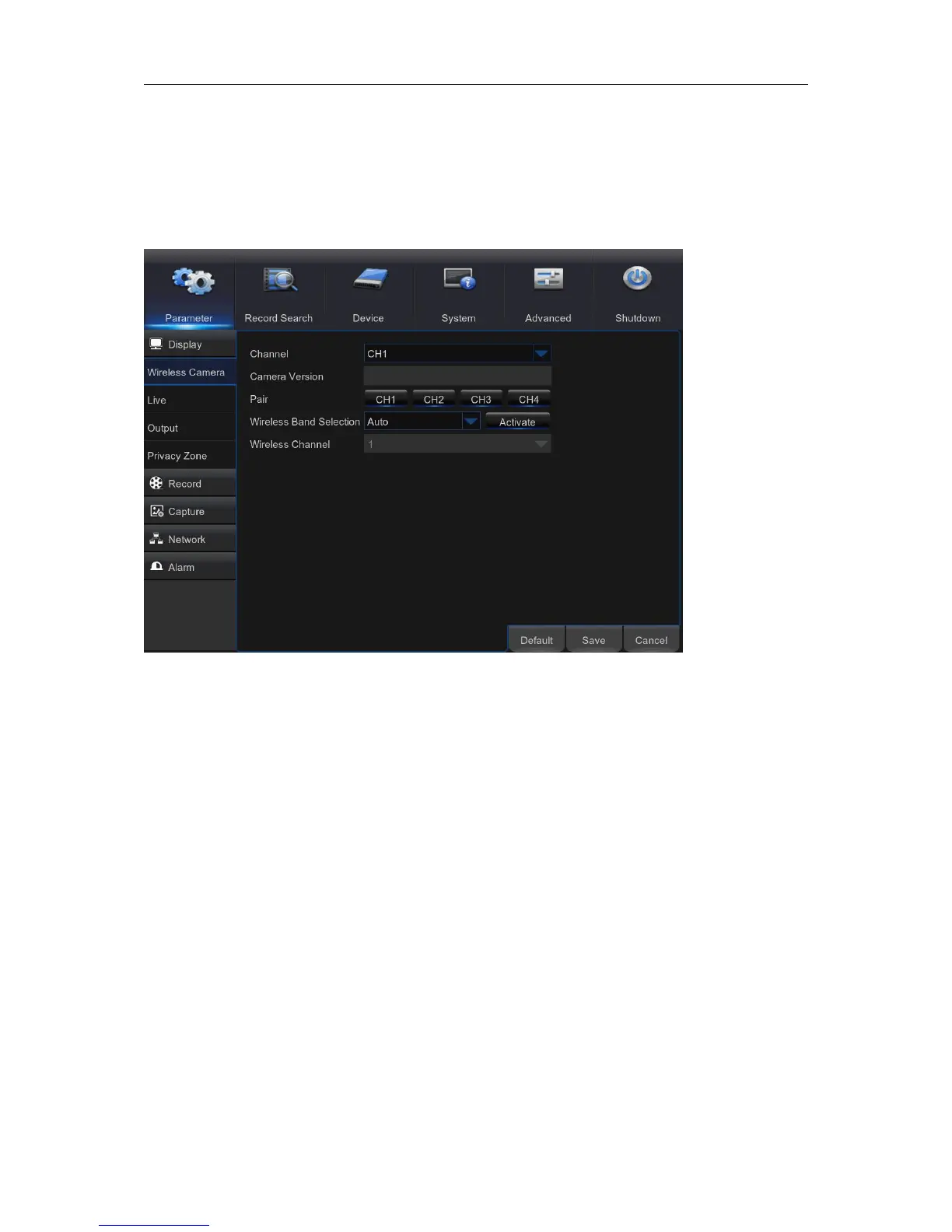
5.2.1. Wireless Camera
This menu allows you to configure channel parameters.
Channel: Select the channel you want to modify.
Camera version: Camera firmware Version .
Pair: Click the channel button to do pairing.
Wireless Band selection: Auto or Manual optional. Auto is recommended.
Wireless Channel: Wireless Channel.



 To Next Page