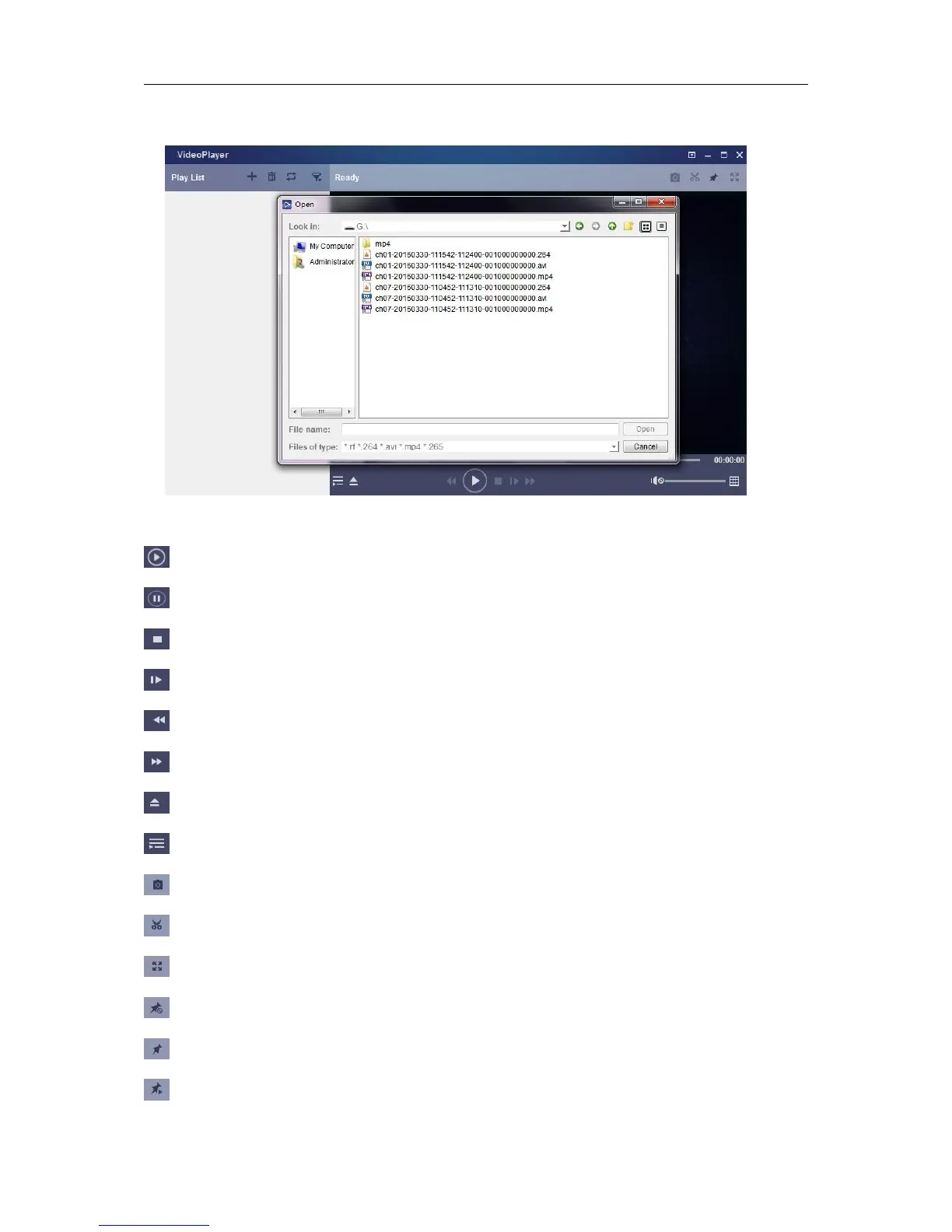
3) Copy the backup files to your computer.
4) Click “+” or “Open File” button to add files. It supports to play avi, mp4, 264 files.
Stop: Click to stop playback.
Frame Forward: step forward by frame
Slow forward: Click to play at 8x,4x,2x,1x,1/2,1/4,1/8,1/16 speed.
Fast
forward
: Click to play at
16x,8x,4x,2x,1x,1/2x,1/4x,1/8x
speed
Screenshot: Save path: C:\Users\Administrator\VideoPlayer\picture
Cut: Save path: C:\Users\Administrator\VideoPlayer\video



 To Next Page