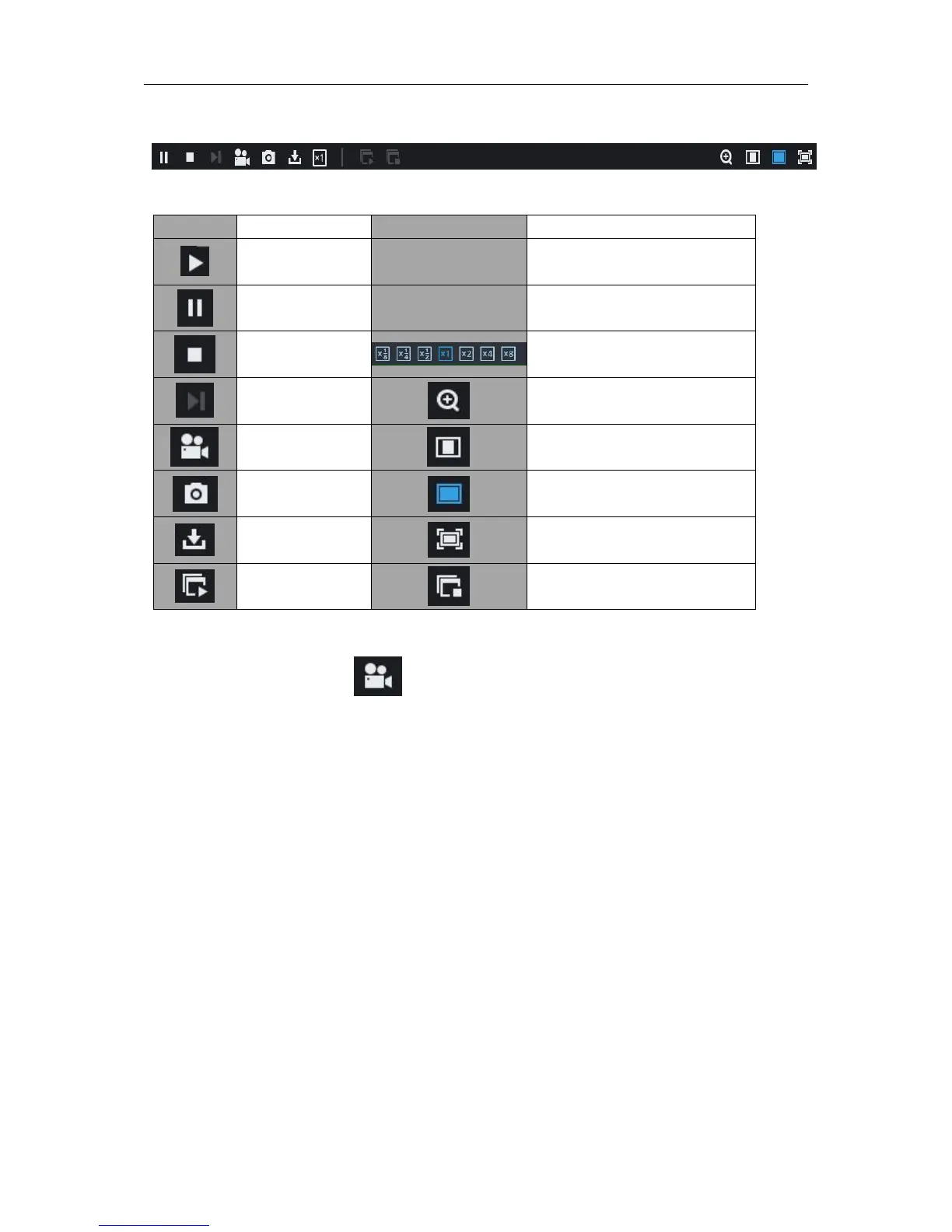
Slow playing 1/2,1/4, 1/8, Fast
playing 1/2/4/8
Record file clip
After opening playback, click icon to clip the selected file; and click again to stop the clip
function. Then playback clip is successfully done. Record clip file will be saved as *.264 format.
Snapshot function
Move the mouse curse to the channel you want to capture, and click [] icon to capture the live
images remotely. After capturing the images successfully, a path prompt box will be popped up.
The captured file will be saved as .bmp format.



 To Next Page